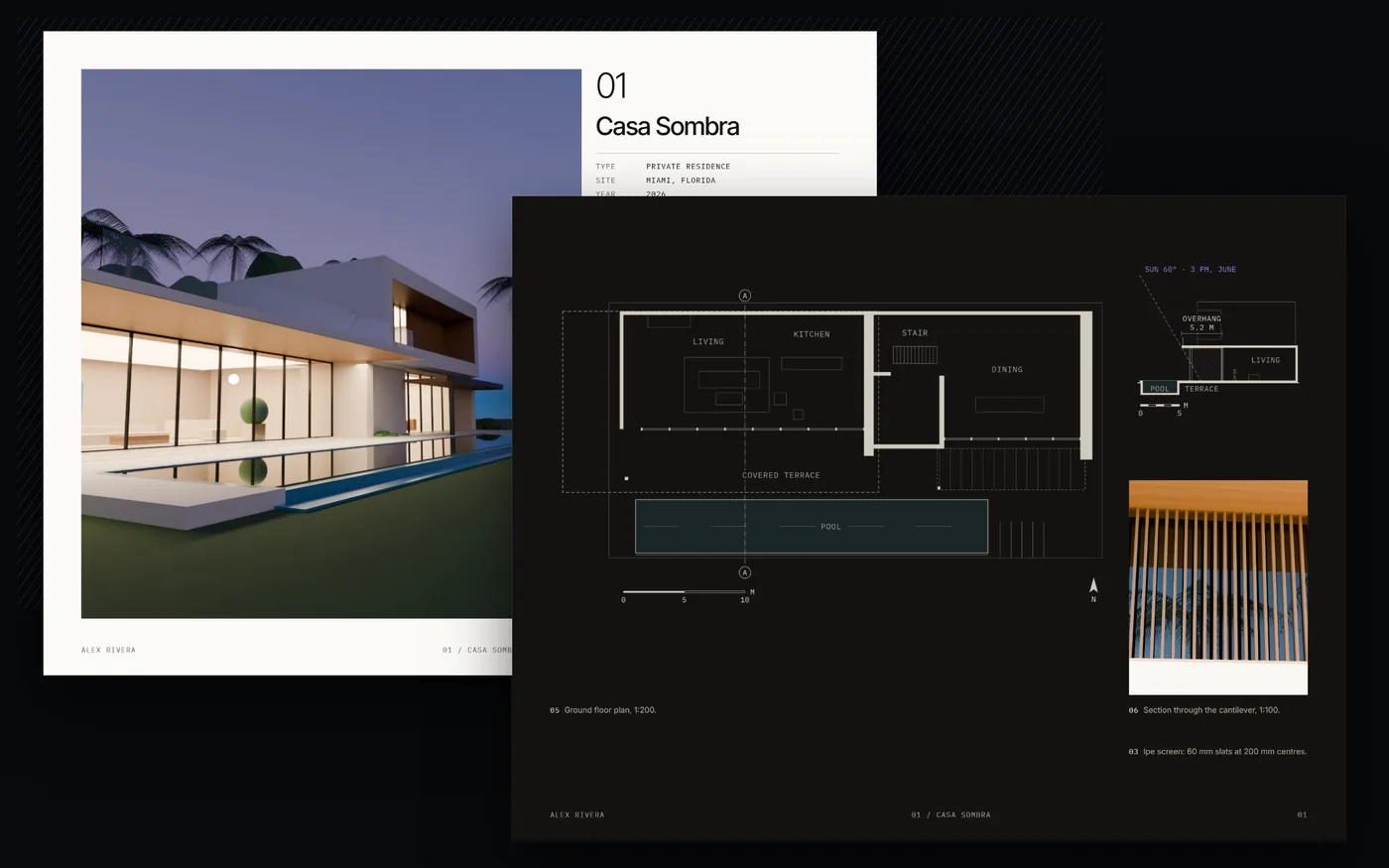
InDesign templates for architecture and design students
Find Skiaform’s IDML portfolio layouts and choose the edition, paper size and type set for your application.
Skiaform Portfolio
One ZIP includes the architecture, interior design and industrial design editions. Each has a core portfolio and a shorter work sample with fictional projects. Choose Letter or A4, light or dark, and type set A, B or C. The ZIP also includes Data Merge templates, content sheets and linked sample artwork.
Portfolio waitlist
Join the waitlist to hear when the Portfolio is available.
Privacy
Using the templates
Open an IDML file
IDML stands for InDesign Markup Language. It is an exchange format, while INDD is the working document you save from InDesign. Skiaform supplies IDML so you can open the layout across InDesign versions. Adobe documents IDML compatibility back to CS4. If you use an older release, check the layout and features after opening it.
Unzip the package so the artwork folders stay with your template. Open the IDML in Adobe InDesign and save your working copy as INDD alongside the linked artwork. If you move the document, keep its artwork with it and check the Links panel before exporting.
Install your type set
Choose the type set before you start editing. The fonts use the SIL Open Font License. The package supplies download links in its font list, and you install the font files separately. For set C, install the static Archivo width styles named in that list. Restart InDesign and check the fonts before you judge the fit of your captions or titles.
Use the content sheet
Start from a copy of the CSV for your edition. Replace the sample text and image paths, and keep the column headers intact. In InDesign, open a Data Merge template in your paper size and choose the CSV as the data source. Preview the record, create a merged document, and check for missing images and text that runs past its frame.
The interior and industrial examples have their own layouts with sample content already placed. Their CSVs also work with the shared merge templates, which keep their own page layouts. To keep the layout of a filled example, edit its text and image links directly.
Choose Letter or A4
Use Letter for a submission that asks for US Letter and A4 for one that asks for A4. Both options are landscape. Pick the matching template before placing drawings, so you can check the crop and caption spacing on the page you will actually send. Open the exported PDF and check its page size and readability before submitting.
FAQ
Do I need InDesign?
You need Adobe InDesign to use the Portfolio’s Data Merge workflow. In our November 15 test, Affinity Publisher opened the IDML files and dropped the Data Merge fields. In Affinity you can open a filled example and replace the text and images directly.
Are these free?
The Portfolio is a paid download. It is coming soon and you can join the waitlist for an email when it is available.
Can I edit fonts and colours?
You can change the fonts in the document’s paragraph styles and adjust the colours in its swatches. Check line breaks, captions and contrast after you make those changes.