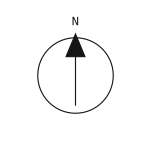
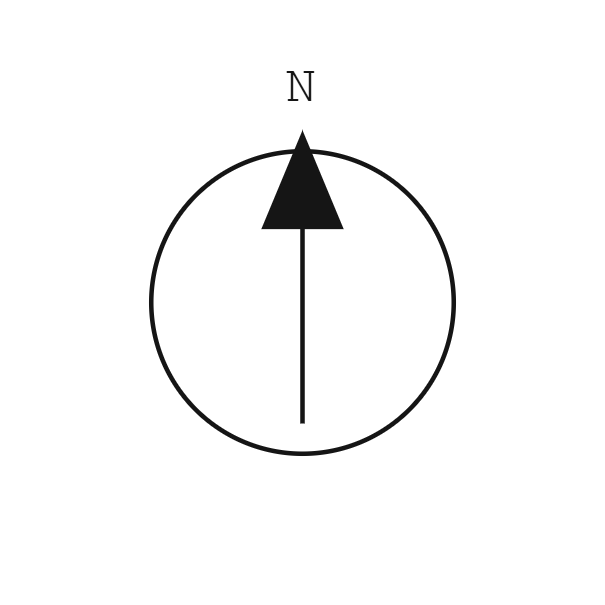
Where to place a north arrow
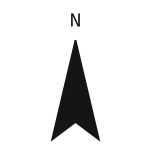
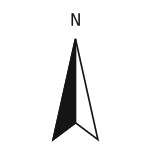
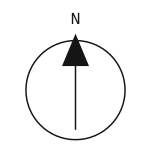
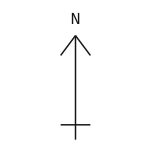
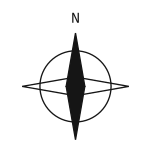
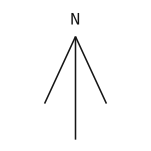
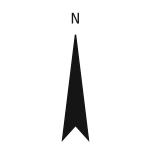
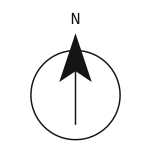
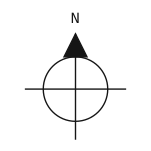
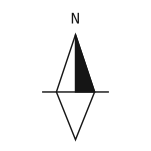
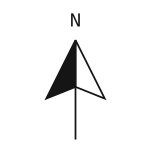
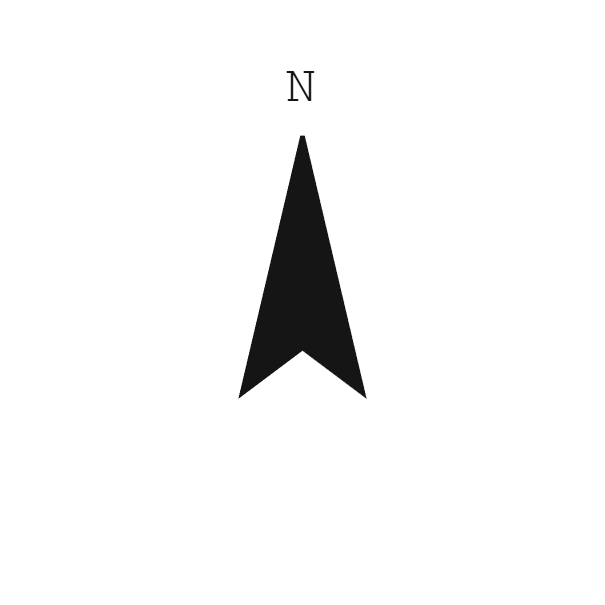
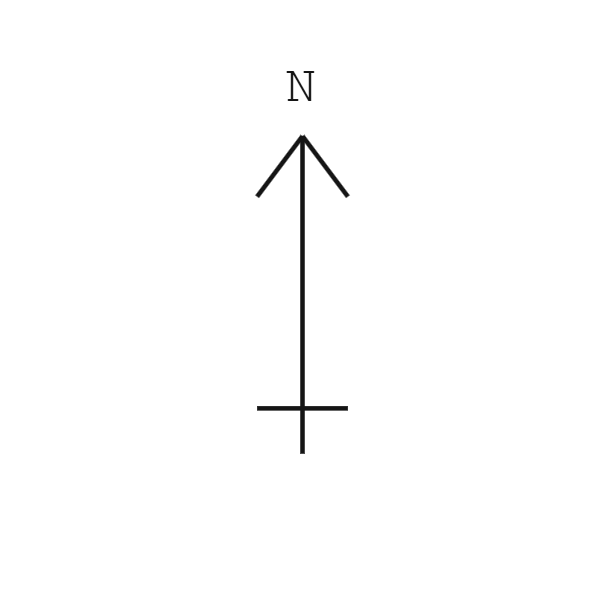
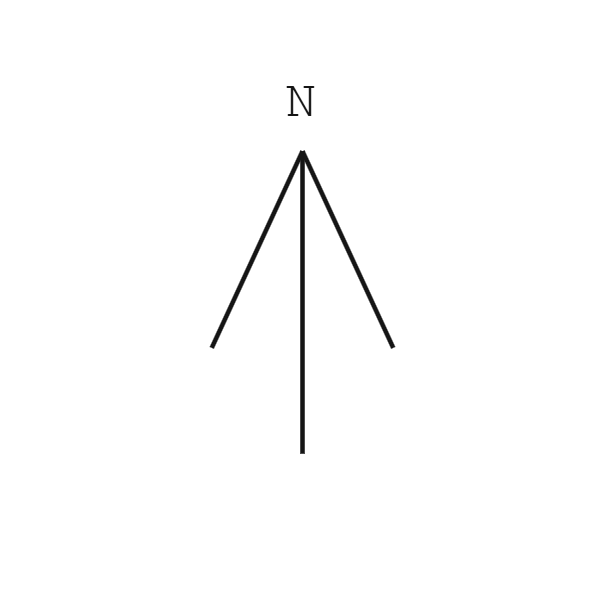
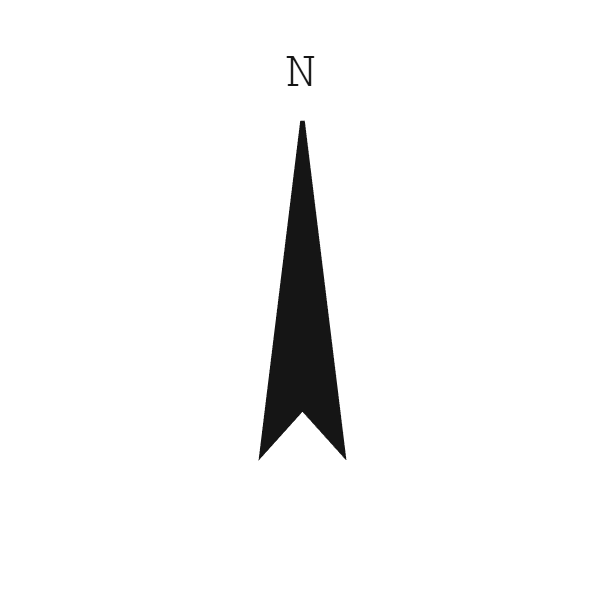
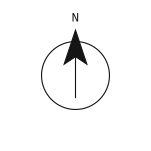
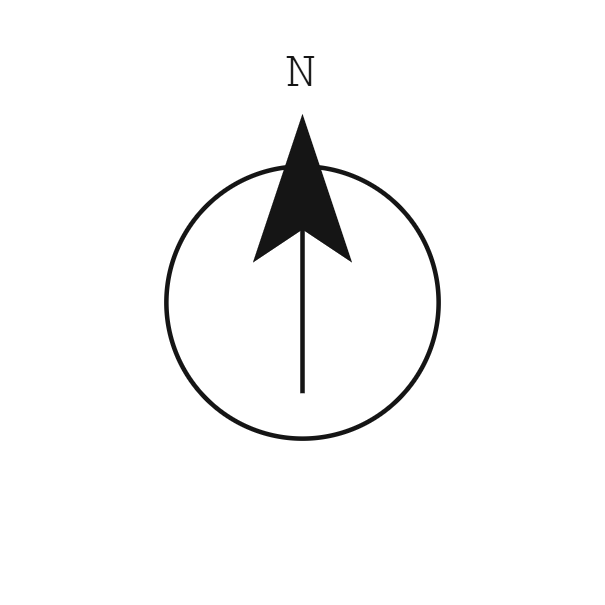
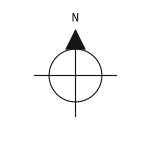
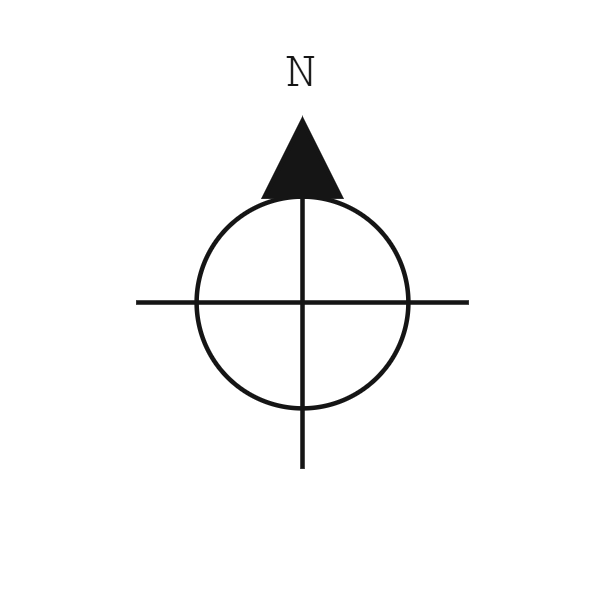
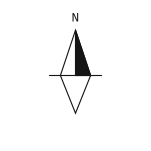
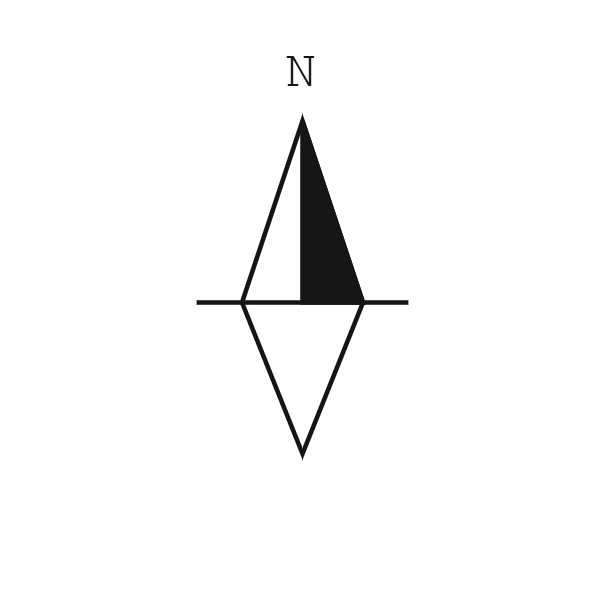
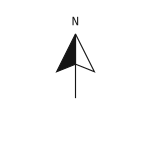
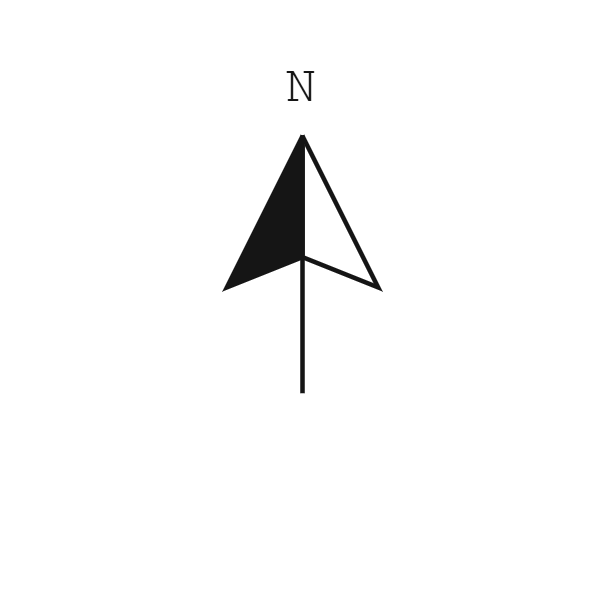
Place your north arrow close enough to the plan that you can read the direction without searching across the sheet. A clear space beside the drawing title or graphic scale often works. Keep it outside room labels, dimension strings and circulation paths. Leave enough blank paper around the symbol to separate it from the geometry.
Use the same position on related plan sheets where the layout allows it. If you rotate one plan to fit a sheet, rotate its arrow to match that view. Check each viewport separately when a sheet contains several plans at different orientations. An arrow beside one view does not automatically describe every drawing on the page.
True north and project north
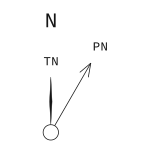
True north describes the direction toward the geographic North Pole. Project north is a drawing reference that lets you align a building with the page or a modelling grid. The two directions can differ. Keep their names visible when you show both so the reader can tell which direction belongs to the site and which belongs to your working coordinates.
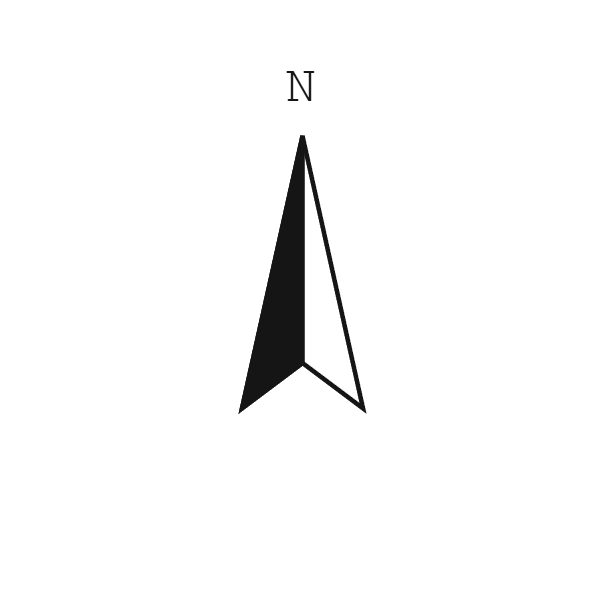
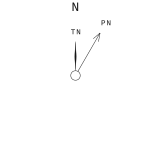
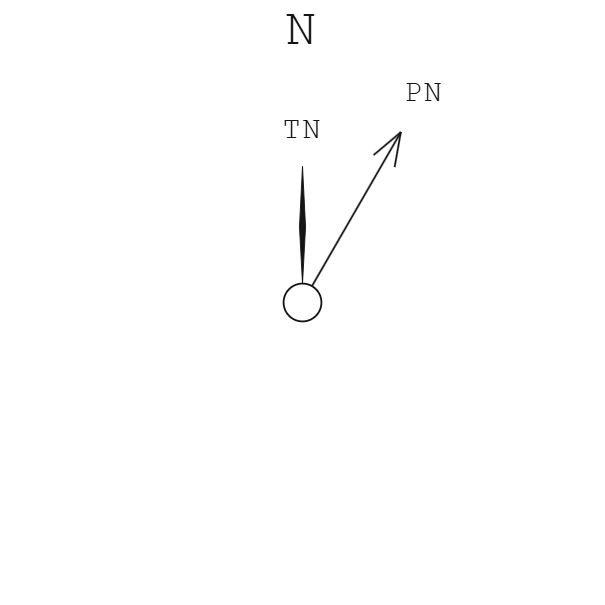
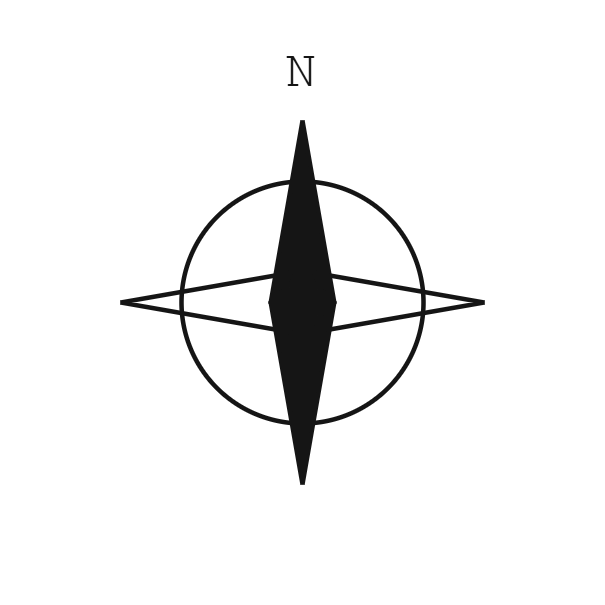
The paired design uses a slim filled needle for true north and an open arrow for project north, sharing one circular pivot. Rotation turns the true north needle clockwise from the top of the page. The project north offset turns the second pointer clockwise relative to it. Each tip has its own upright TN or PN label. Check both settings against your survey or model before export.
Size, line weight and labels
Choose the size at the final printed sheet scale. The size control sets the square export canvas in millimetres, including space for the label. A heavier stroke can help a small arrow remain visible, while a large site plan may allow a lighter outline. Print a small portion of the sheet to check that the line work remains clear.
A short N label takes less room than NORTH. Choose above tip or below base for its position, with a 1.5 mm gap at your chosen canvas size. The lettering stays upright as the arrow turns. Keep the font consistent with your drawing titles and dimensions. The mono option uses spaced capitals; the sans option gives a quieter label.
Choose an export format
Use SVG for scalable line work in a page layout or vector editor. Choose transparent PNG when you need a raster image, then use 2x or 4x for more pixels. Set its placed size in your layout application. The PDF preserves the canvas dimensions when you place or print it at actual size.
DXF gives you editable drawing entities in paper millimetres. Import at one unit per millimetre and check the font and line weight in your CAD file. White exports belong over a dark background. Skiaform templates use the same drafting style, so you can carry the symbol into a matching sheet layout.
FAQ
Is the PNG background transparent?
Yes, the PNG contains the symbol on a transparent canvas. The pale grid in the preview is only a viewing aid and does not appear in your download.
Does rotation change the north direction?
Rotation turns the symbol clockwise on the page. You must enter the direction that corresponds to your plan orientation.
Can I use a symbol without a label?
Choose None in the label control. Leave enough context on the sheet for the direction to remain clear.
Which format can I edit in CAD?
Use DXF for editable lines, circles, fills and text. Import it in millimetres and assign your drawing layers and line weights after placement.
Are the default symbols available without the maker?
Each symbol in the grid has an SVG and PNG download. Those files use the default size and point toward the top of the page.
Keep up with Skiaform
Occasional notes about drawing tools and templates.