Skiaform / Guides / Photo to painting
Turn a photo into a painting
Upload a photo and choose oil, gouache, ink & wash or watercolor. Skiaform paints it with AI in your browser: 2K for 1 credit, or a 4K print file for 2. Small details and faces can change, so compare the painting with your photo before you print.
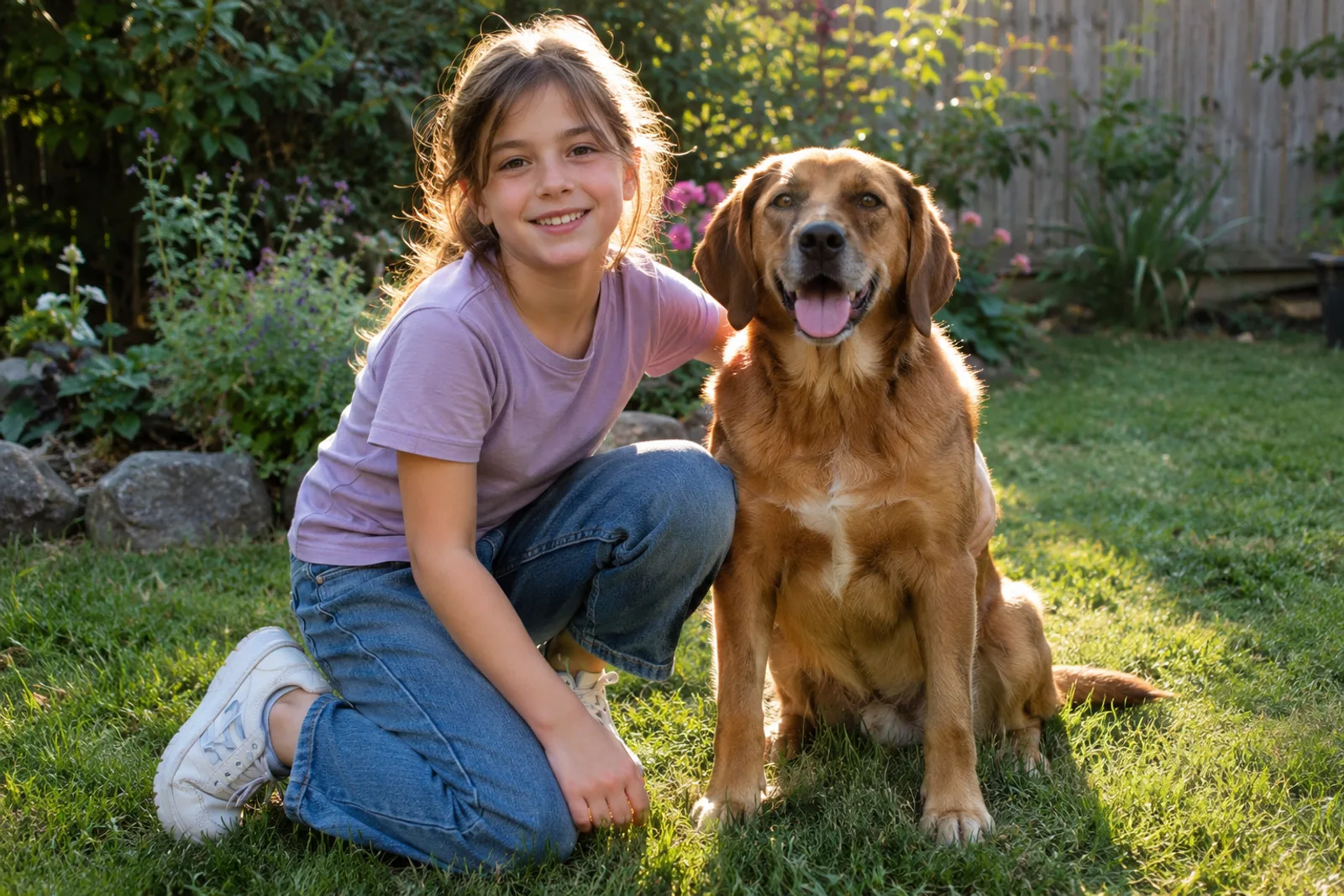
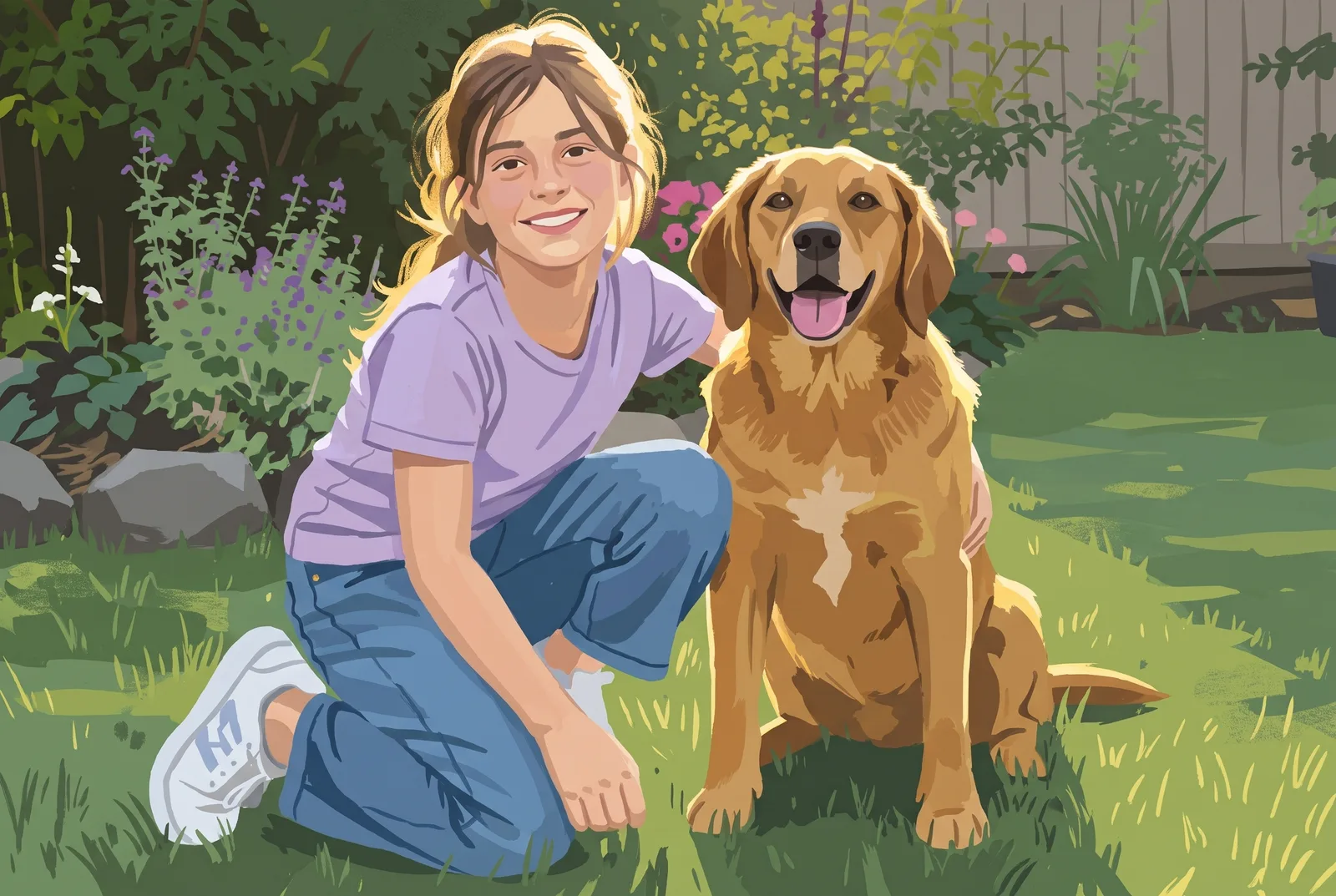
One photo, four media
The street, couple and dog are photos; the people in them are fictional. The pavilion is a 3D render, so the styles work on renders too.
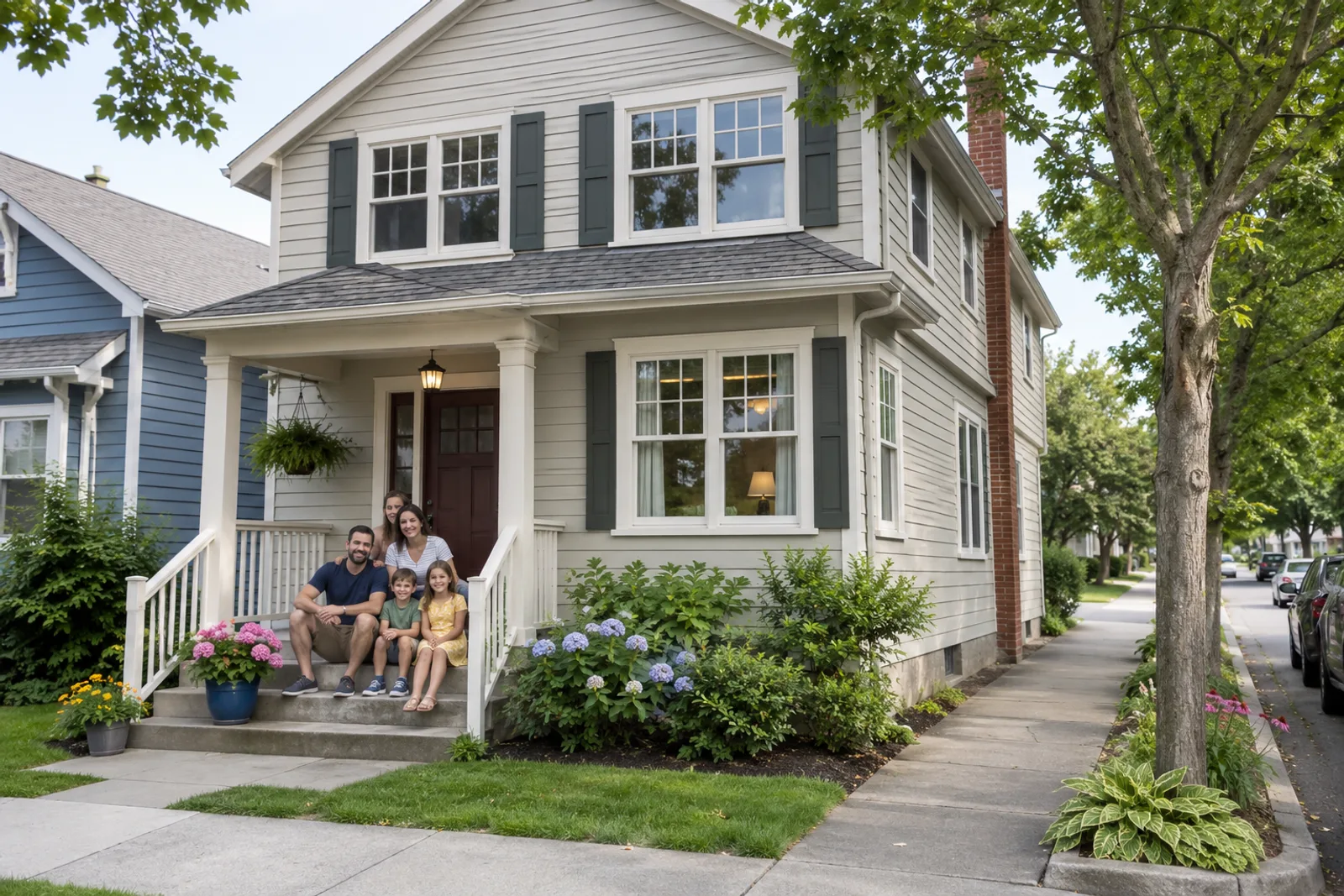 Photo
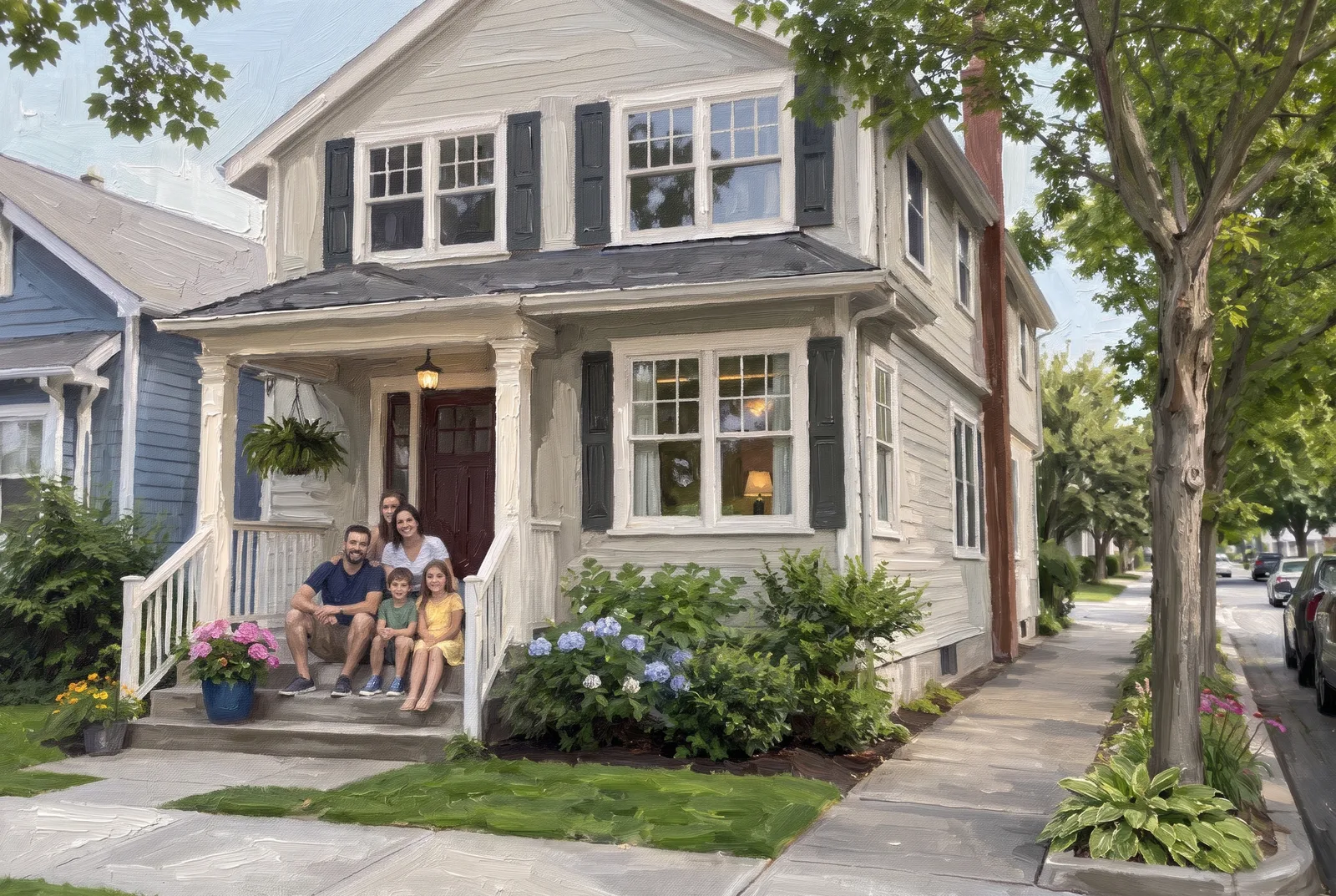 Oil
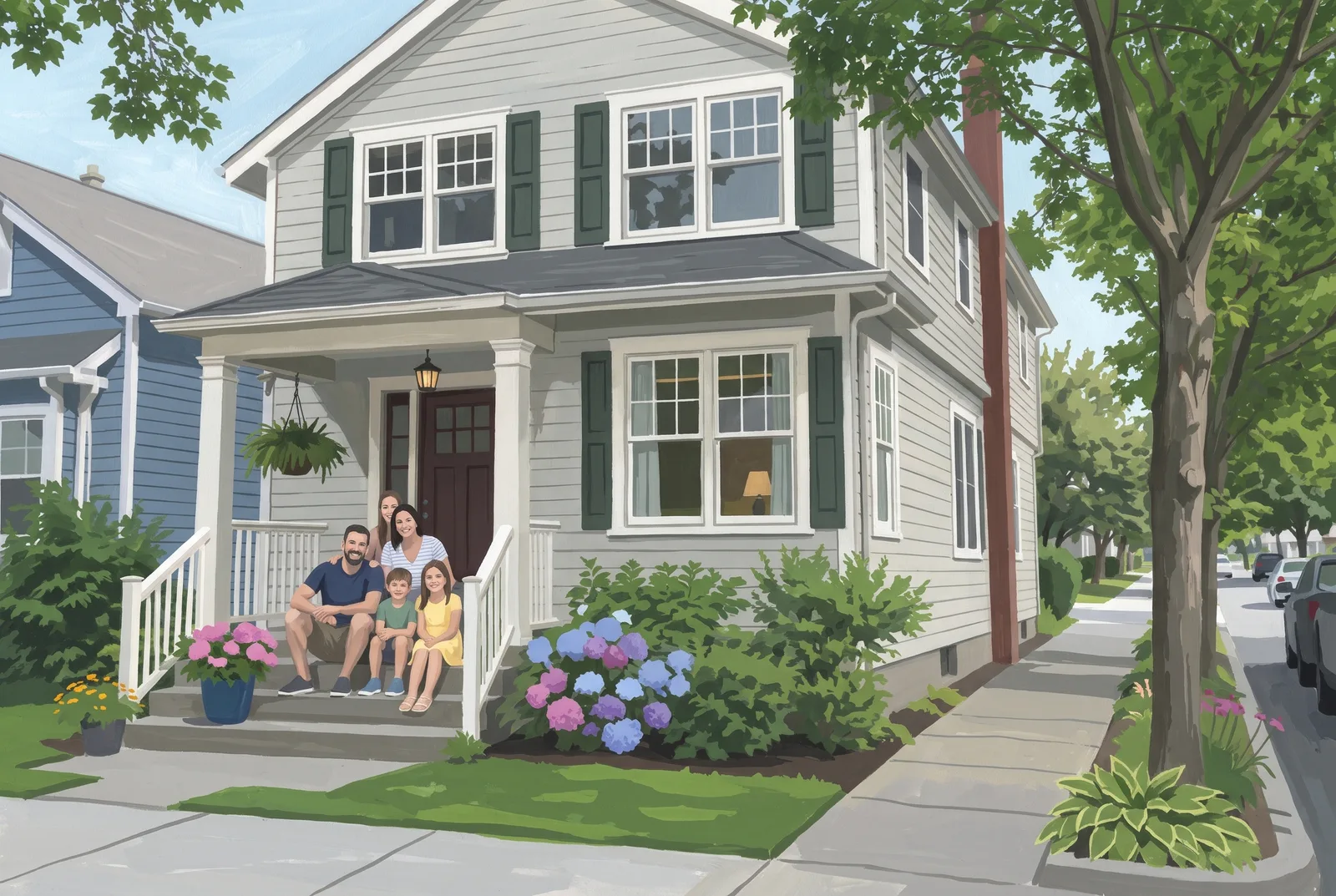 Gouache
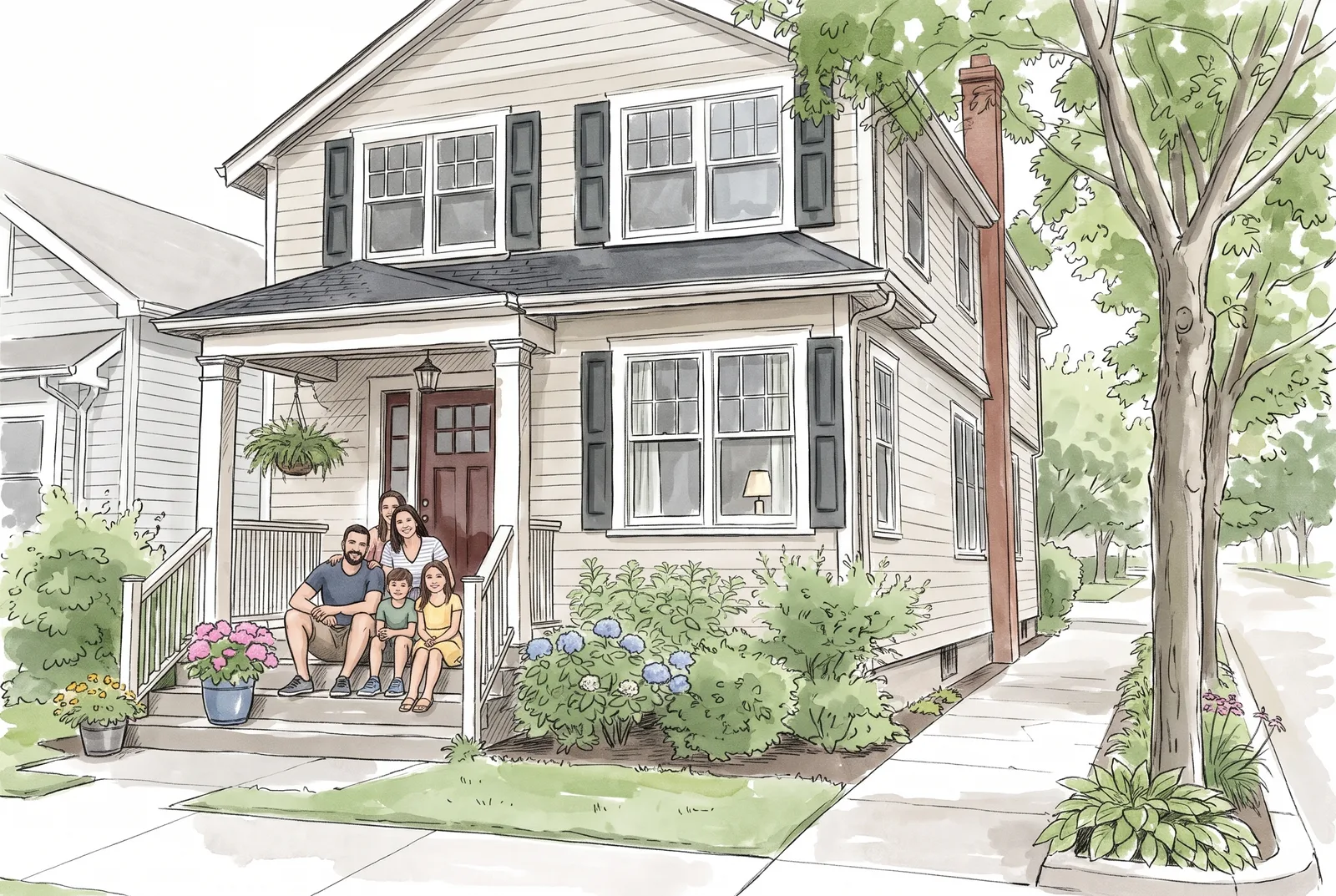 Ink & wash
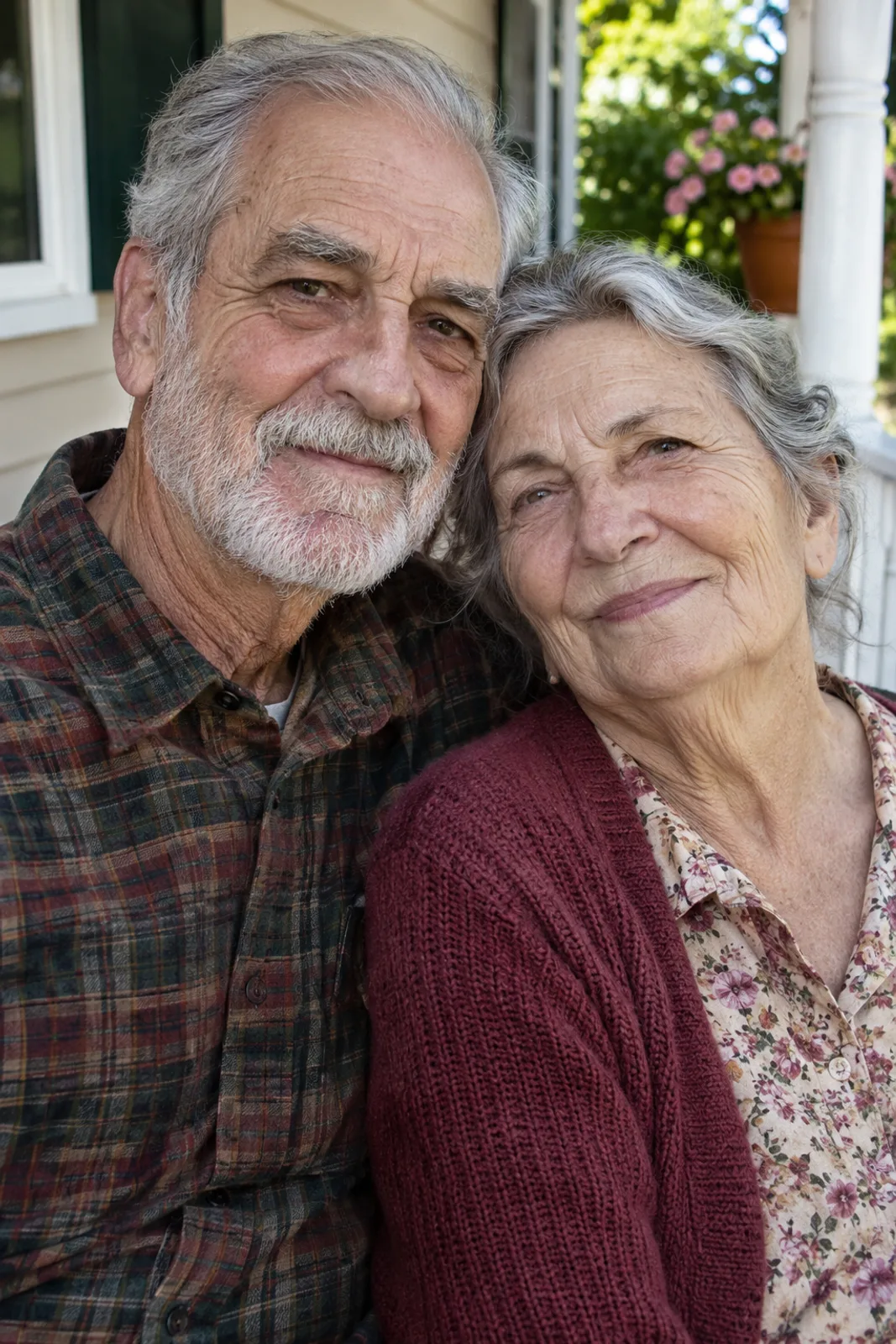 Before
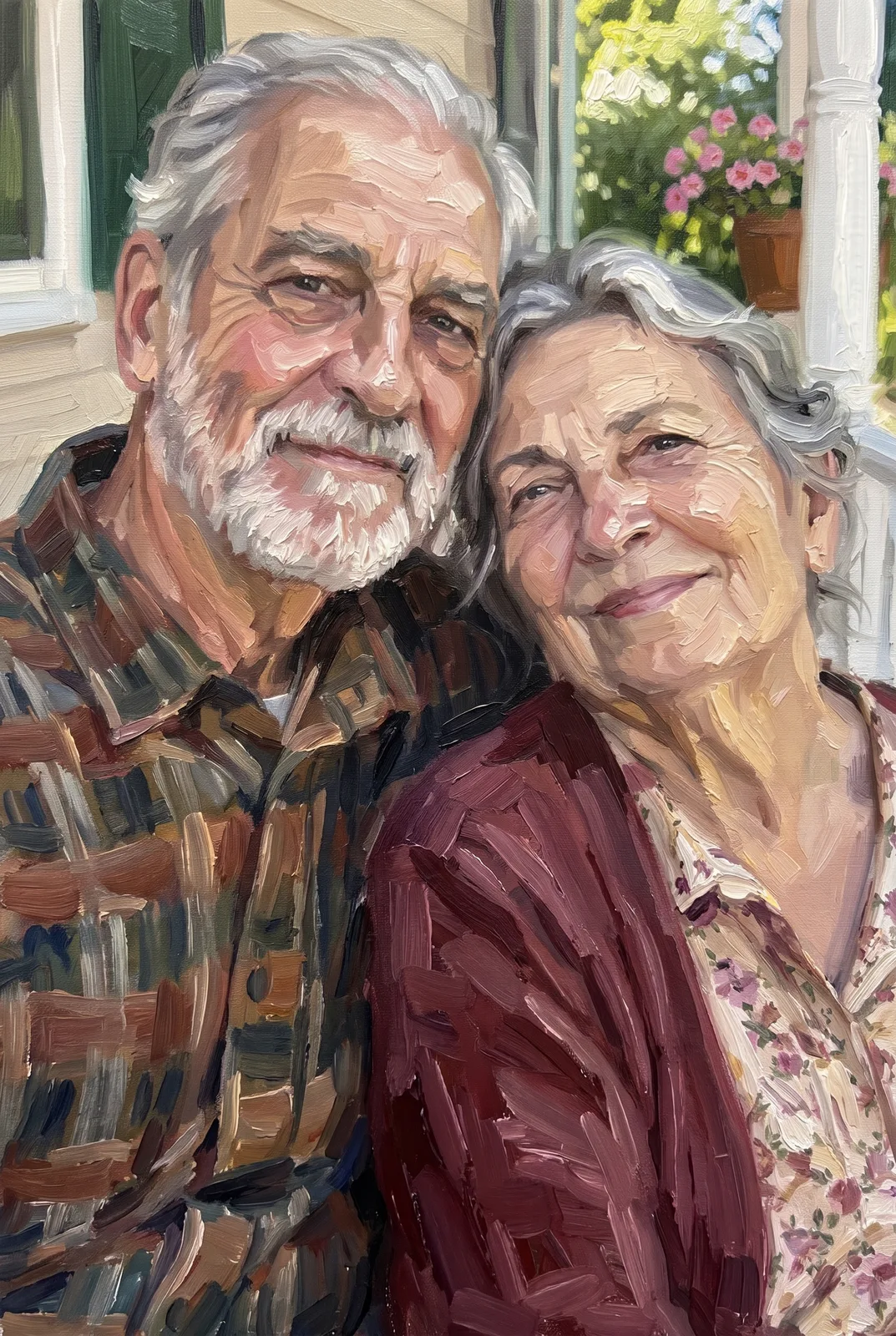 AfterBeforeAfter
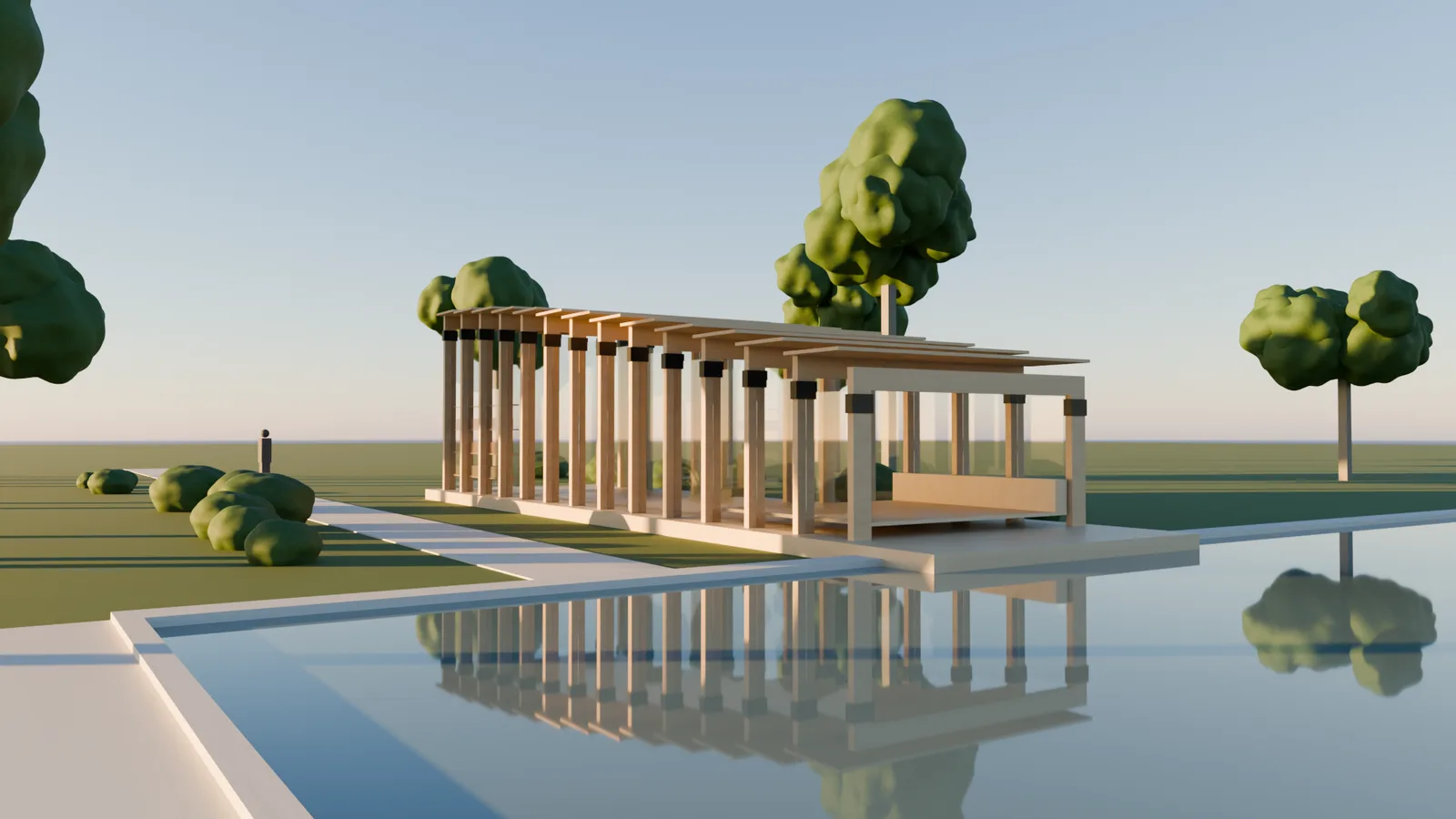 Before
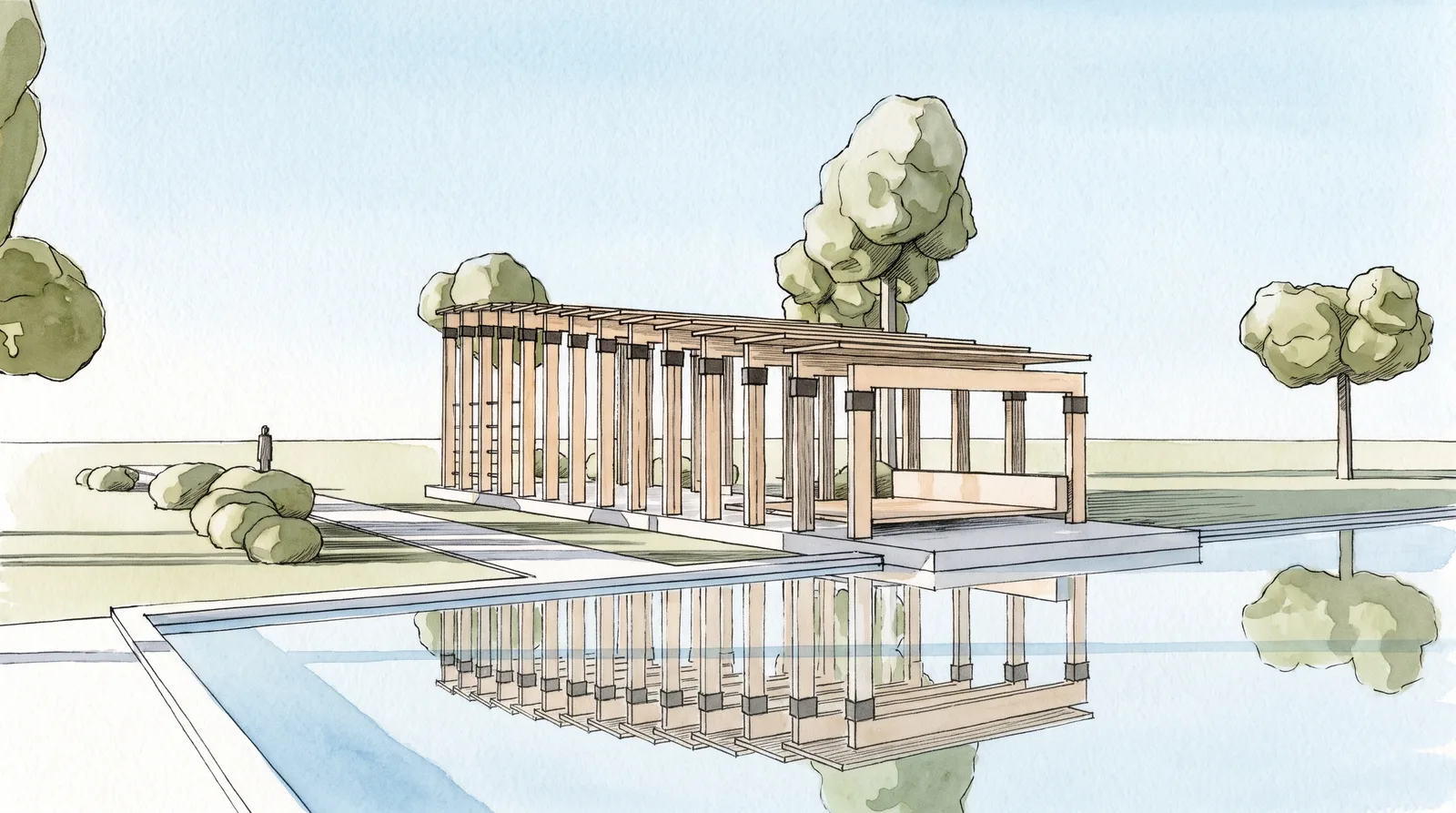 After
Choose a medium
Photo to oil painting
Oil gives the photo thick, opaque color and visible brushwork. It suits portraits, couples and landscapes with clear areas of light and shadow. For a portrait, start with a photo where every face is easy to see, then compare the expressions in the painting with the original.
Gouache
Gouache paints in flat, opaque, matte shapes of color, with an illustrated feel. It works on streets and buildings with clear outlines, and on pets whose ears or coat markings make them recognizable. The street and the girl with her dog above show both cases.
Ink & wash
Ink & wash draws lines and adds thin washes of color. Rooflines, columns and window frames give it structure, so it suits architecture, like the street and the pavilion above. For a house, pair it with Leave out to drop parked cars or power lines, and check the window count before you print.
Watercolor
Painterly keeps crisp accents on buildings and gardens, Loose uses broad washes for trees and skies, and Soft keeps transitions gentle for portraits. Focus and Plain paper work well with all three. See photo to watercolor for examples of each style.
How it works
- Sign in with Google
Open Skiaform Watercolor in your browser.
- Upload and choose a medium
JPEG, PNG, WebP or HEIC up to 40 MB. Pick Oil, Gouache, Ink & wash or a watercolor style.
- Set the options
Classic or Focus, anything to Leave out, and the Background.
- Choose a size and download
Screen (2K) or Print (4K). A conversion usually takes 30 to 60 seconds. Fade edges and Make a card are free.
Options in the same render
Leave out, Background and Focus are part of the same render and cost nothing extra. Tick parked cars, bins, power lines or background people and the painter leaves them out. Under Background, choose Keep scene, Soft wash or Plain paper, which paints only the subject and fades it to white paper. For a house portrait, Plain paper puts the building on its own. With Focus, you tap what should stay sharp: a depth model on your device softens the background, and only the softened photo is uploaded.
Pricing
A 2K painting uses 1 credit and a 4K print file uses 2, so one painting costs between $0.31 and $1.20 depending on the pack and size. A failed conversion returns the credits automatically, and credits don't expire.
Membership
$5 / month
10 credits a month. Unused credits roll over and stay in your balance after your membership ends.
Print sizes
Screen (2K) is about 2,400 pixels on the long side, which is enough for sharing, the web and small prints. Print (4K) is about 16 megapixels and prints at about 15 x 11.5 inches at 300 dpi. Before you print, compare the painting with the photo: the AI can simplify fine text and house numbers, change facial features, or shift proportions and window counts.
FAQ
Can ChatGPT turn a photo into a painting?
Yes. ChatGPT and other chatbots that generate images can repaint a photo from a prompt. A dedicated tool like Skiaform adds a fixed set of tested styles, so results stay consistent, plus a 4K print file, Focus, Leave out and Plain paper in the same render, and free card and fade finishes.
Is there a free app to turn a photo into a painting?
Yes, free filter apps and effects can give you a quick look. Skiaform charges 1 or 2 credits per painting, depending on the size. Only the Fade edges and Make a card finishes are free.
How much does it cost to turn a photo into a painting?
A 2K file uses 1 credit, about $0.31 to $0.60, and a 4K print file uses 2 credits, about $0.63 to $1.20, depending on the credit pack. A hand-painted commission usually costs hundreds of dollars. A failed conversion returns the credits automatically.
Can I turn a photo into an oil painting?
Yes. Choose Oil after you upload the photo, then pick Screen (2K) or Print (4K).
Which medium should I pick?
Oil for visible brushwork, gouache for flat matte shapes of color, ink & wash for linework, and watercolor for soft washes. For a portrait, start with Oil or Soft watercolor; for a building, try Ink & wash or Painterly watercolor.
Is it hand-painted?
No. Skiaform sends your photo to Google Gemini, an AI image model, which repaints it.
Can I print it?
Yes. Download the file and print it at home or at a print shop. The 4K file prints at about 15 x 11.5 inches at 300 dpi.
What happens to my photos?
Photos go to Google Gemini for conversion and are not used to train AI models. Uploaded originals are deleted after 24 hours and results after 7 days, so download what you want to keep. Read the privacy policy for details.