Skiaform Render for RhinoAI rendering for Rhino
Turn your Rhino viewport into a photoreal image, then check it against your model's linework.
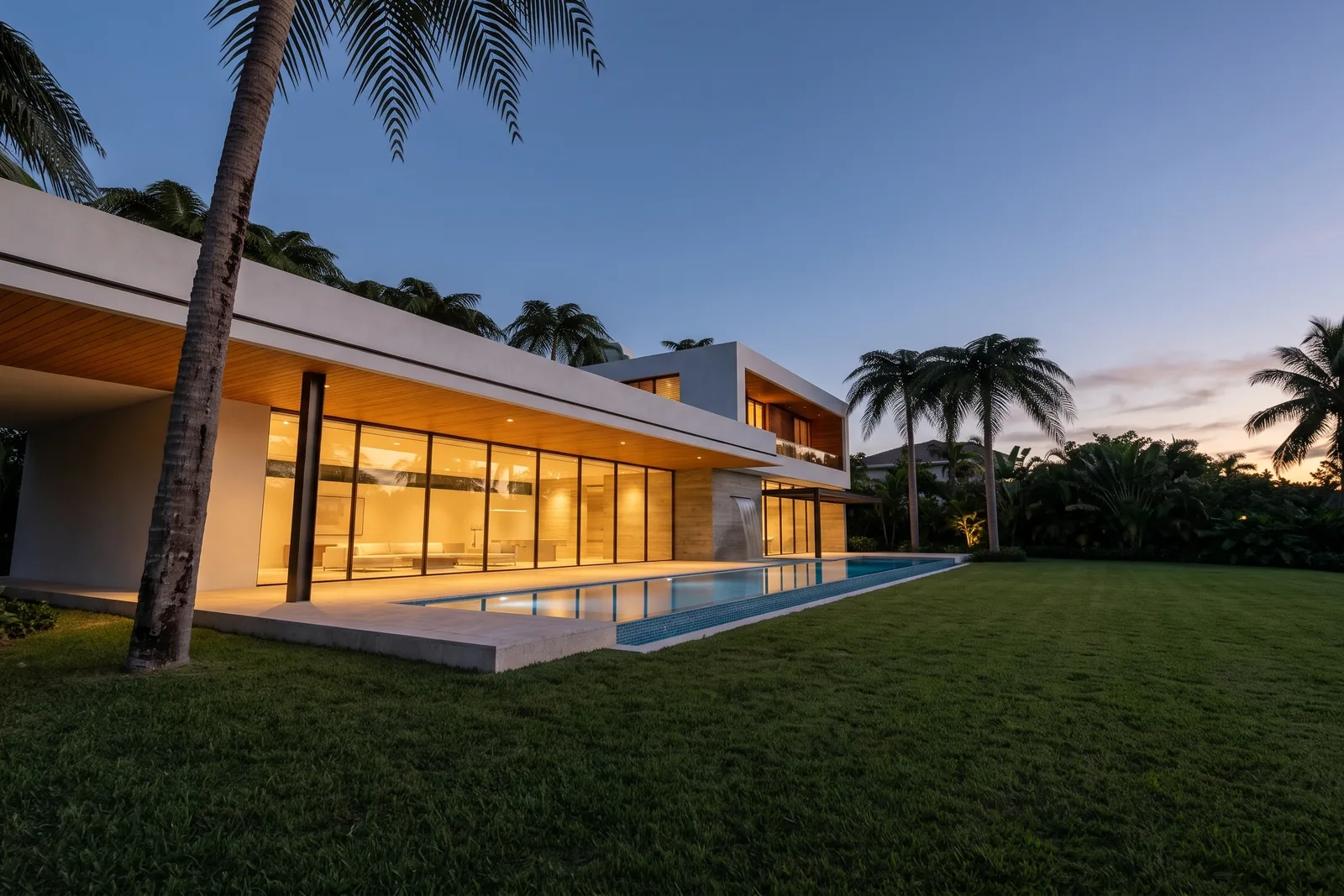
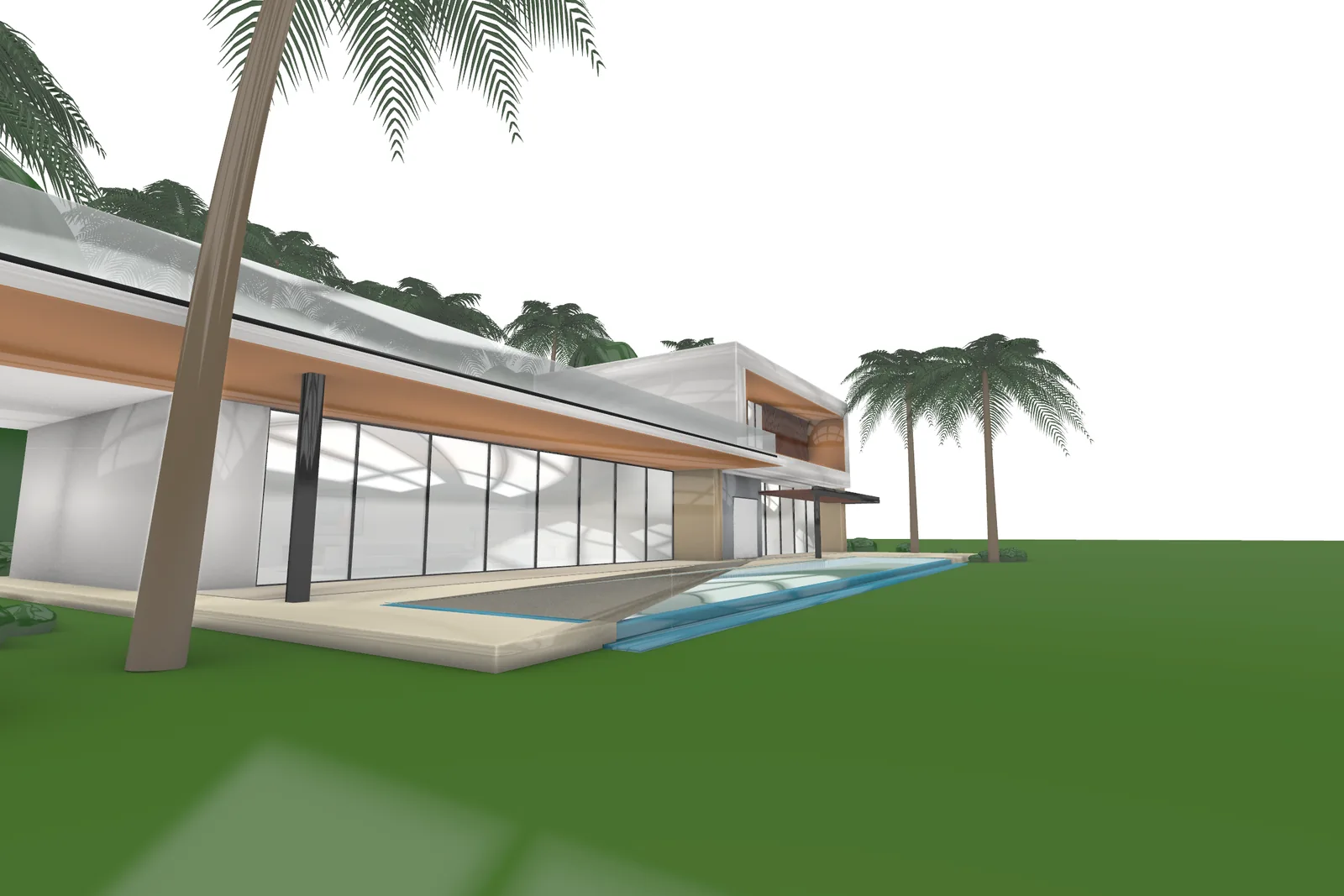
$29USD · One-time purchase
Buy for $29- Your own Google keyGoogle bills about $0.07 to $0.16 per 2K image.
- One-time purchaseNo subscription.
- Drift checkFlags changes against your model's linework.
Same Rhino model, same camera
Each AI result next to the Rhino view it came from, with the drift check's verdict. Each image took about 30 seconds.
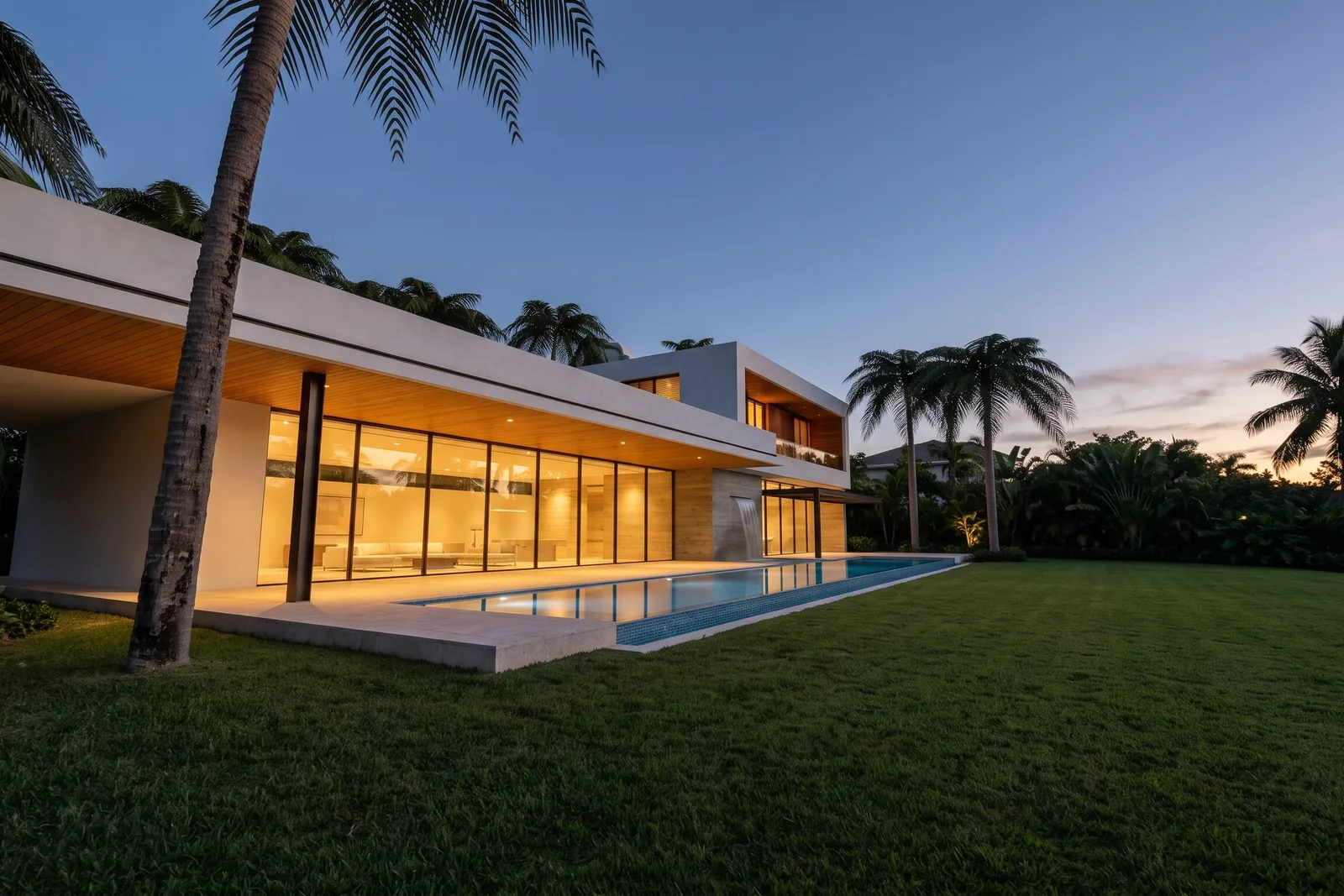
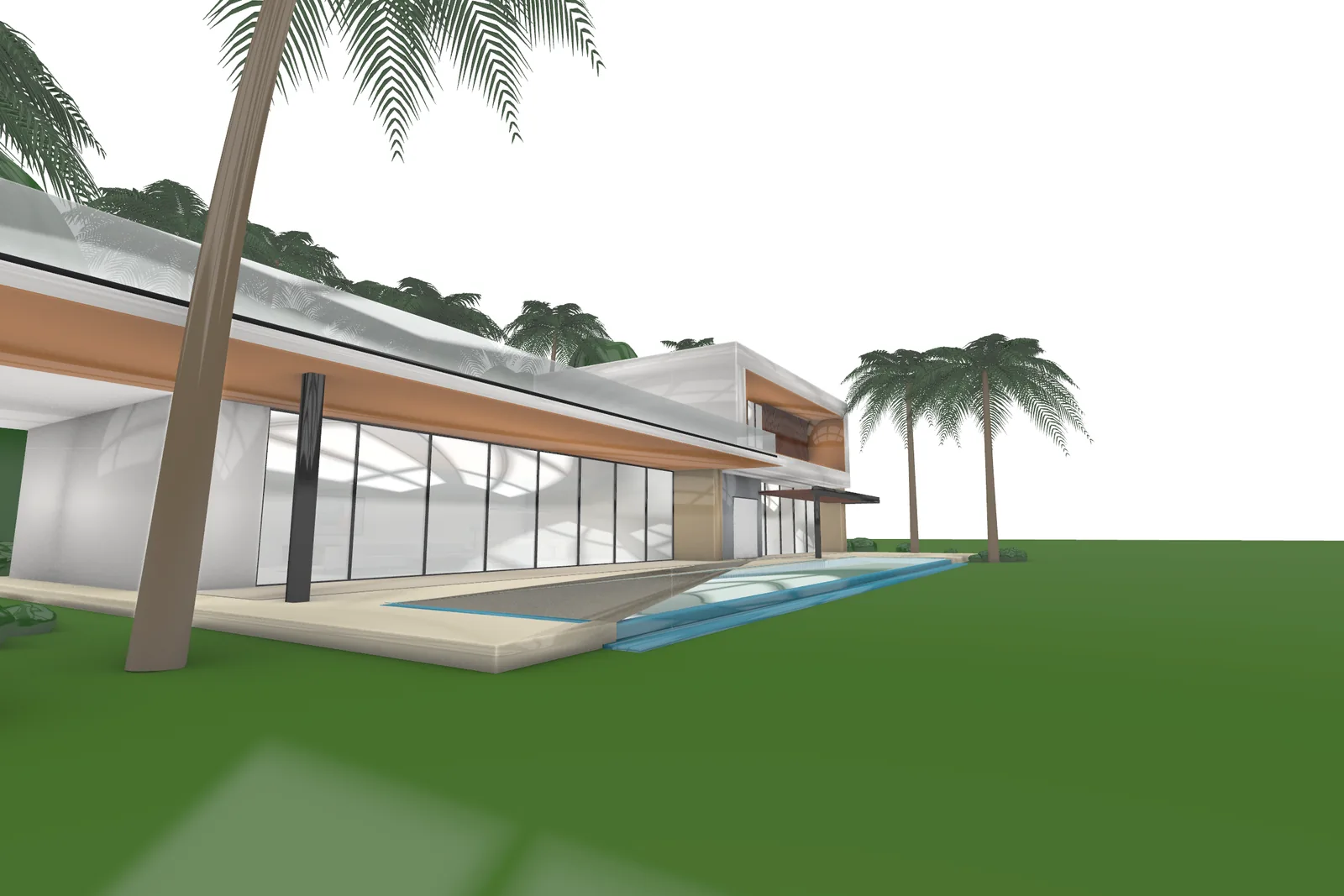
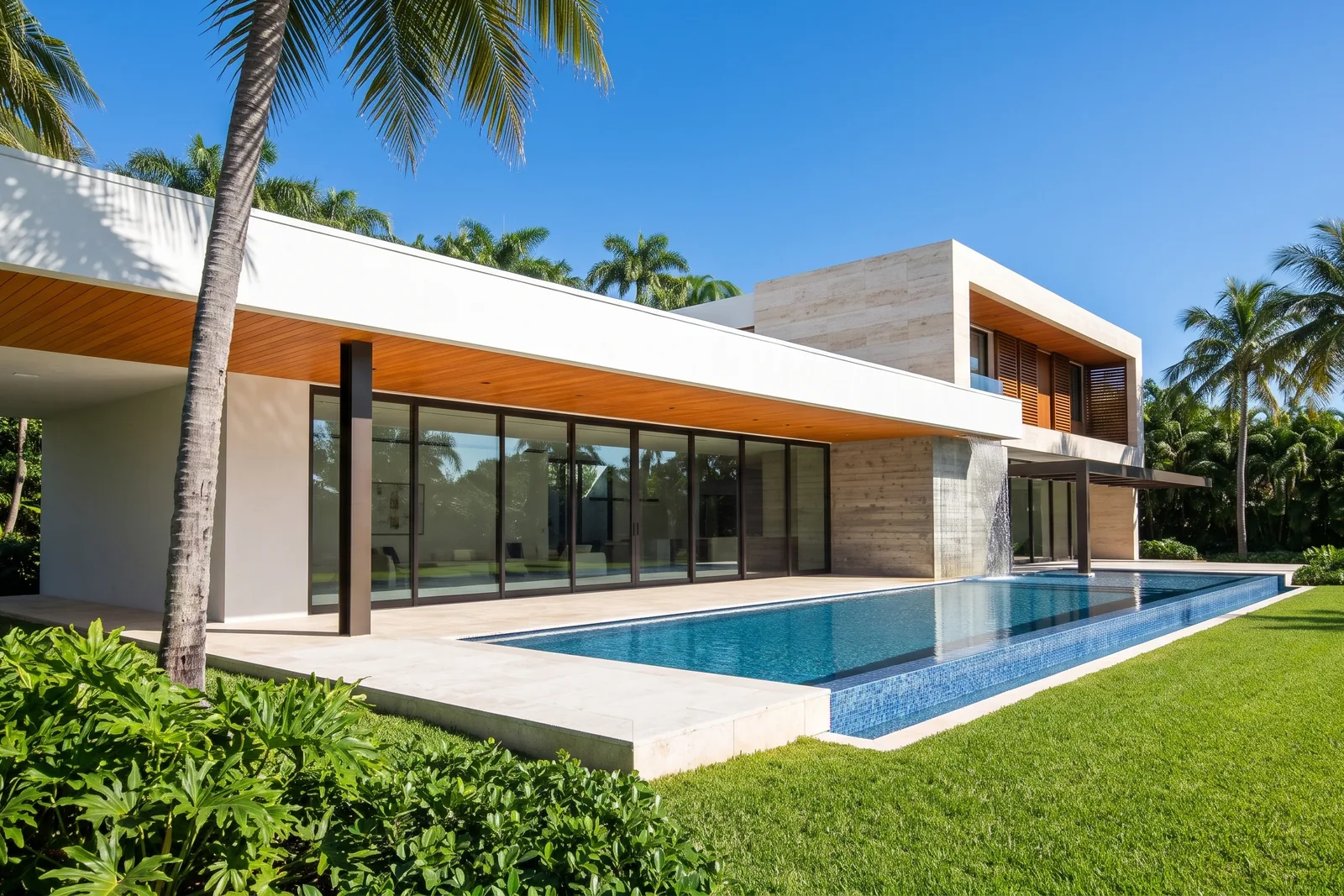
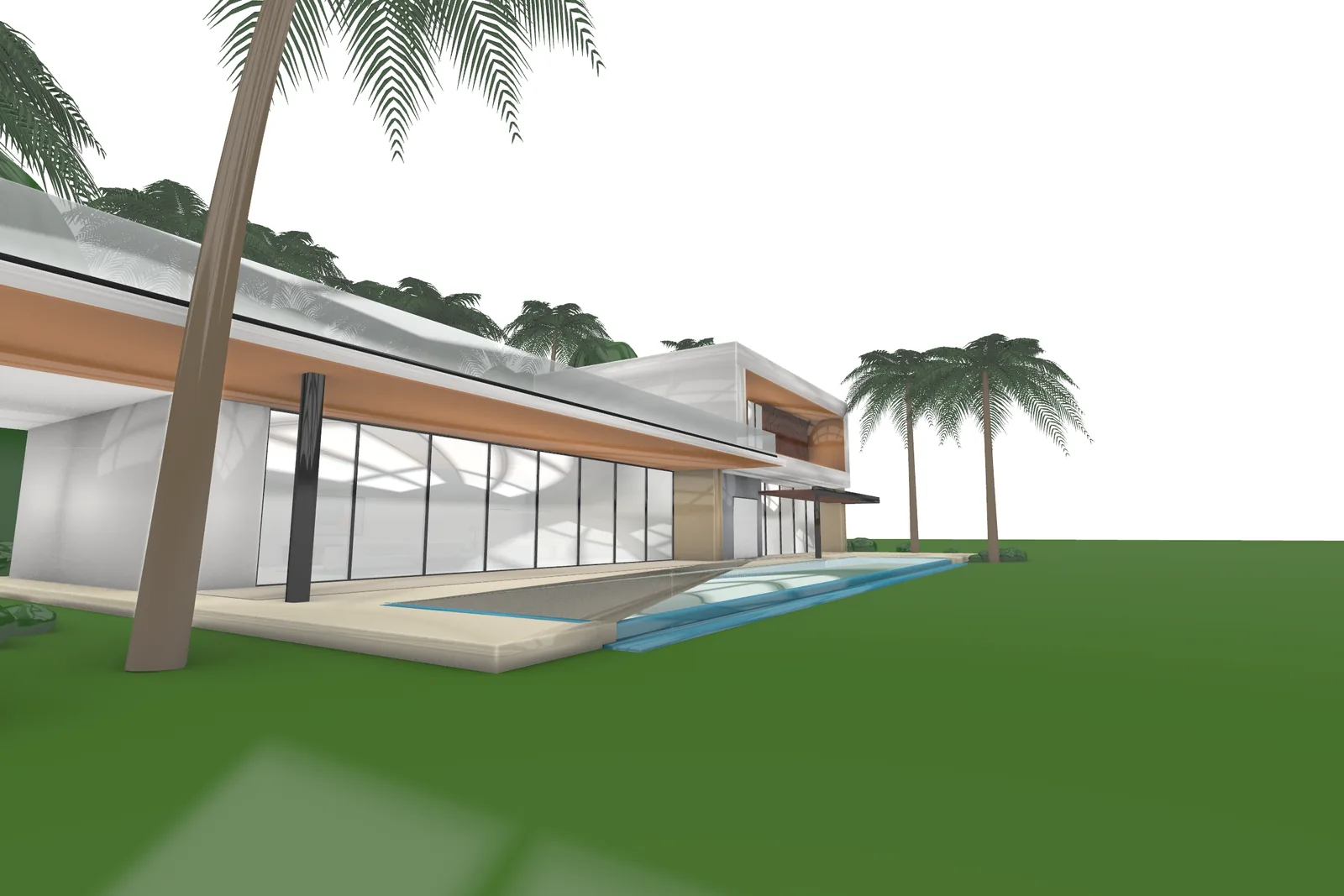
Unedited test outputs, Nov 22, 2026, Rhino 9.1. Casa Sombra is a fictional house modeled for testing.
Specify materials in Rhino
Each Rhino material keeps its own color. Describe it in the panel's material list. Give touching materials clearly different colors so Gemini can tell them apart.
- Enter a description such as "travertine cladding in horizontal bands" and a finish such as "honed". The starter library fills in descriptions for common materials. Your descriptions save in the .3dm file.
- In the Nano Banana dusk test, the honed travertine and board-formed concrete came through as described, along with the timber soffit, bronze frames, limestone deck and mosaic pool tile.
- Use "Check colours" before sending. It flags similar colors on touching materials and makes no AI call. Choose "Generate anyway" to override the warning.

From Rhino model to image
- 01
Describe your materials
Open the panel's material list and add a description and finish for each material. Check the colors of touching surfaces.
- 02
Capture the Rhino view
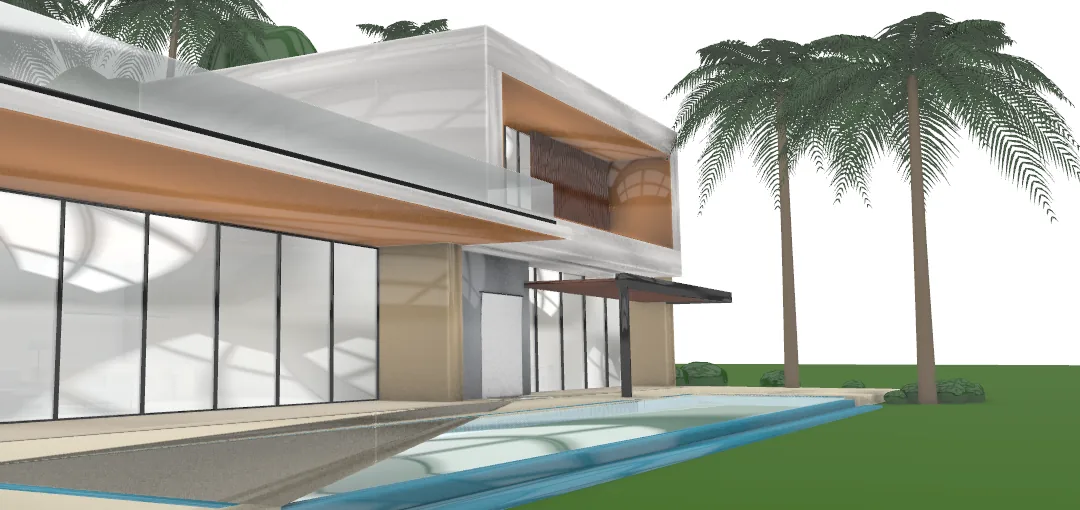
The plugin captures your active perspective viewport in Rendered display mode. It also captures your model's true linework and computes a depth map from the geometry. Rhino's Rendered mode needs no separate render engine.
- 03
Send to Gemini
The plugin sends those three images and your material descriptions directly from your computer to Google using your Gemini API key.
- 04
Check the result for drift
Gemini returns one photoreal image. Compare it with your viewport using the before/after slider in Rhino and inspect flagged edges in Drift view.
Check the image against your geometry
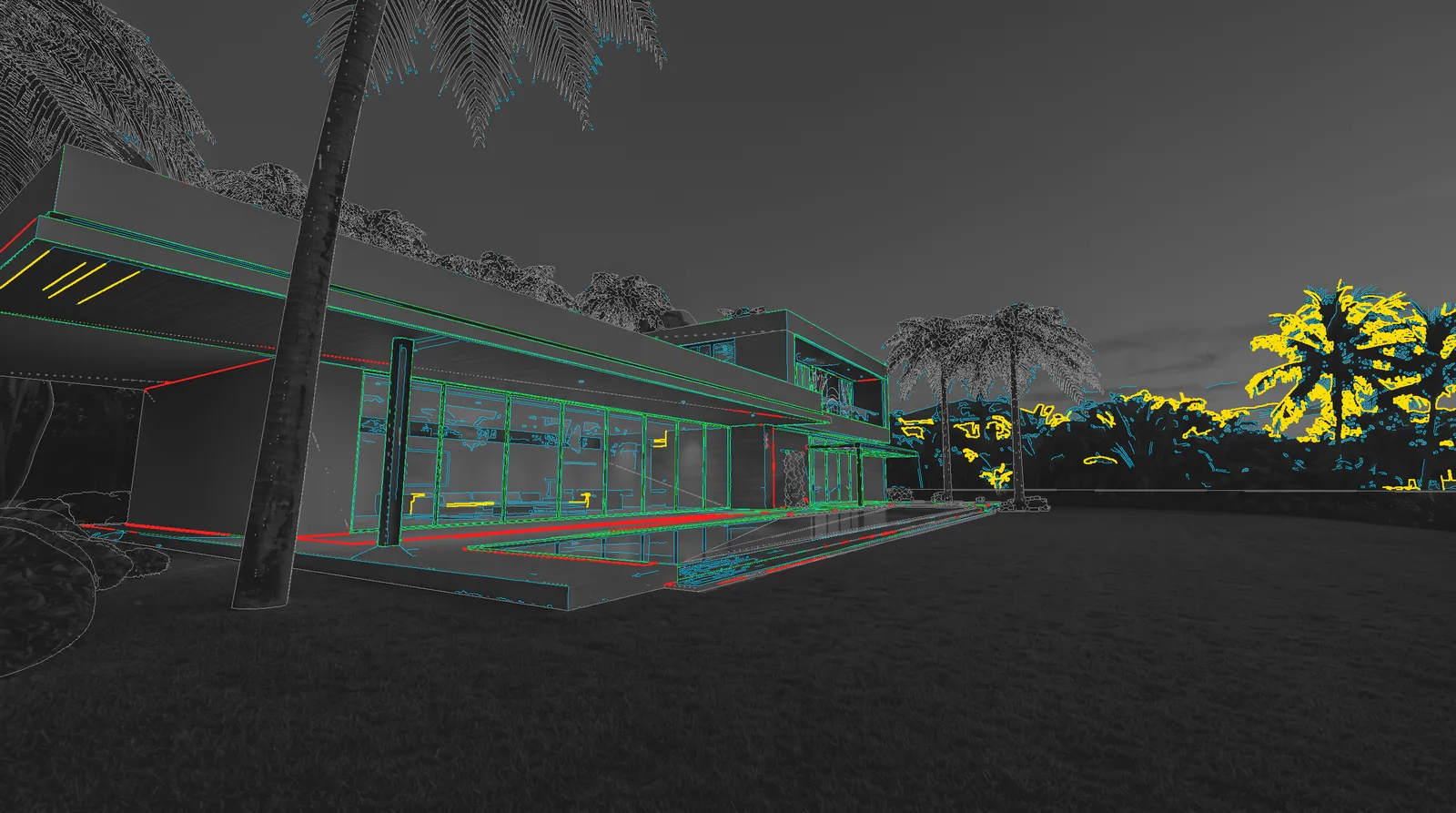
The drift check compares the result with your model's true linework. It catches camera or framing changes and large missing elements. Check material swaps and small additions by eye.
Our AI-use rule
AI may draw, style and render geometry you modeled; it never adds to or changes your design.
- The check reports a mean edge distance in pixels and a pass, flag or fail verdict.
- Low-contrast edges can appear red even when they stay in place, as with the pale deck beside the pale pool at dusk.
- Use "Skip drift" for materials such as planting and water. Skipped materials appear gray in Drift view.
Use your own Gemini key
Connect your Google Gemini API key with billing enabled. You pay Google for each image separately from the plugin purchase.
| Nano Banana 2.1, 2K | about $0.07 per image |
|---|---|
| Gemini 3 Pro Image, 2K | about $0.16 per image |
Estimated Google prices for 2K output, November 2026. Google sets the prices.
- Requests go straight from your computer to Google.
- Your key is encrypted for your Windows user account and stored in Rhino's settings, outside the .3dm file.
- Skiaform charges no per-image fee.
Requirements and limits
You need
- Rhino 7 (SR13 or later), Rhino 8 or Rhino 9 on Windows 10 or 11
- Your own Google Gemini API key with billing enabled
- An internet connection while rendering
Good to know
- Tested on Rhino 7.27 and Rhino 9.1 on Windows. Rhino 8 uses the same plugin and should work, but we have not tested it.
- Touching materials need clearly different colors.
- Check each result for material swaps and small additions.
Not included
- Gemini usage. You pay Google separately.
- macOS support in version 1.0
Render your Rhino model
$29 once for the download, plus what Google bills per image. For Rhino 7 (SR13 or later), Rhino 8 and Rhino 9 on Windows 10 or 11.
$29USD · One-time purchase
Questions
Which AI models can I use, and what does an image cost?
At 2K, Nano Banana 2.1 costs about $0.07 per image and Gemini 3 Pro Image costs about $0.16. These are November 2026 estimates. Google sets the prices. Each request returns one image, about 2528 × 1696 pixels at 3:2 for 2K.
Do I need my own API key?
Yes. Create a Gemini API key in Google AI Studio, enable billing for its project and enter the key in Skiaform Render for Rhino. Google bills you directly for image generation.
Can the AI change my design?
Yes. It can add shrubs or change a material. The drift check helps spot changes to framing and large missing elements. Check the result by eye for material swaps and small additions. A faint edge can also show red even if it stayed in place.
How do I specify materials?
Describe each material and its finish in the panel's material list. The descriptions save in your .3dm. Use distinct colors on touching surfaces, then run "Check colours" to catch similar colors before sending.
Which Rhino versions work, and how do I install it?
Use Rhino 7 (SR13 or later), Rhino 8 or Rhino 9 on Windows 10 or 11. Tested on Rhino 7.27 and Rhino 9.1. Rhino 8 uses the same plugin and should work, but we have not tested it. Download the ZIP and drag SkiaformRender.rhp onto Rhino. Rhino 8 can also use the .yak file. Version 1.0 is Windows-only.
Is Skiaform Render for Rhino a subscription?
It's a one-time purchase of $29 for the proprietary plugin. You pay Google directly for Gemini usage. Skiaform charges no per-image fee.
What happens to my images, model and API key?
The input images and material descriptions go straight from your computer to Google. Skiaform never receives your key, images or model. Your key is encrypted for your Windows user account and stored in Rhino's settings, outside the .3dm file.
Can I use it from a script or an AI agent?
Yes. Use the scriptable -SkiaformRender command or the Python API. The API supports Rhino 8 Python 3, IronPython and Rhino MCP servers.
Can I use the generated images commercially?
Google's terms apply to images generated through Gemini. Check the terms that apply to your use. You are responsible for how you use the images.
Is Skiaform Render available for Blender?
Yes. Skiaform Render for Blender is a separate add-on at skiaform.com/blender-ai-render/, also $29 one-time.
Test results, prompts and failure cases: Nano Banana for architecture, tested on a real 3D model