Skiaform / Guides / Watercolor Christmas card
Make a watercolor Christmas card
Turn a favorite photo into a watercolor Christmas card you can print. Try the free card maker with a sample painting before you paint your own photo.
The card maker is free. Paint your photo from 1 credit.
Try the free card maker
Pick a sample watercolor or use your own image. Add a greeting and choose a typeface and card color.
Your image stays on your device, and a watercolor on Plain paper works best.
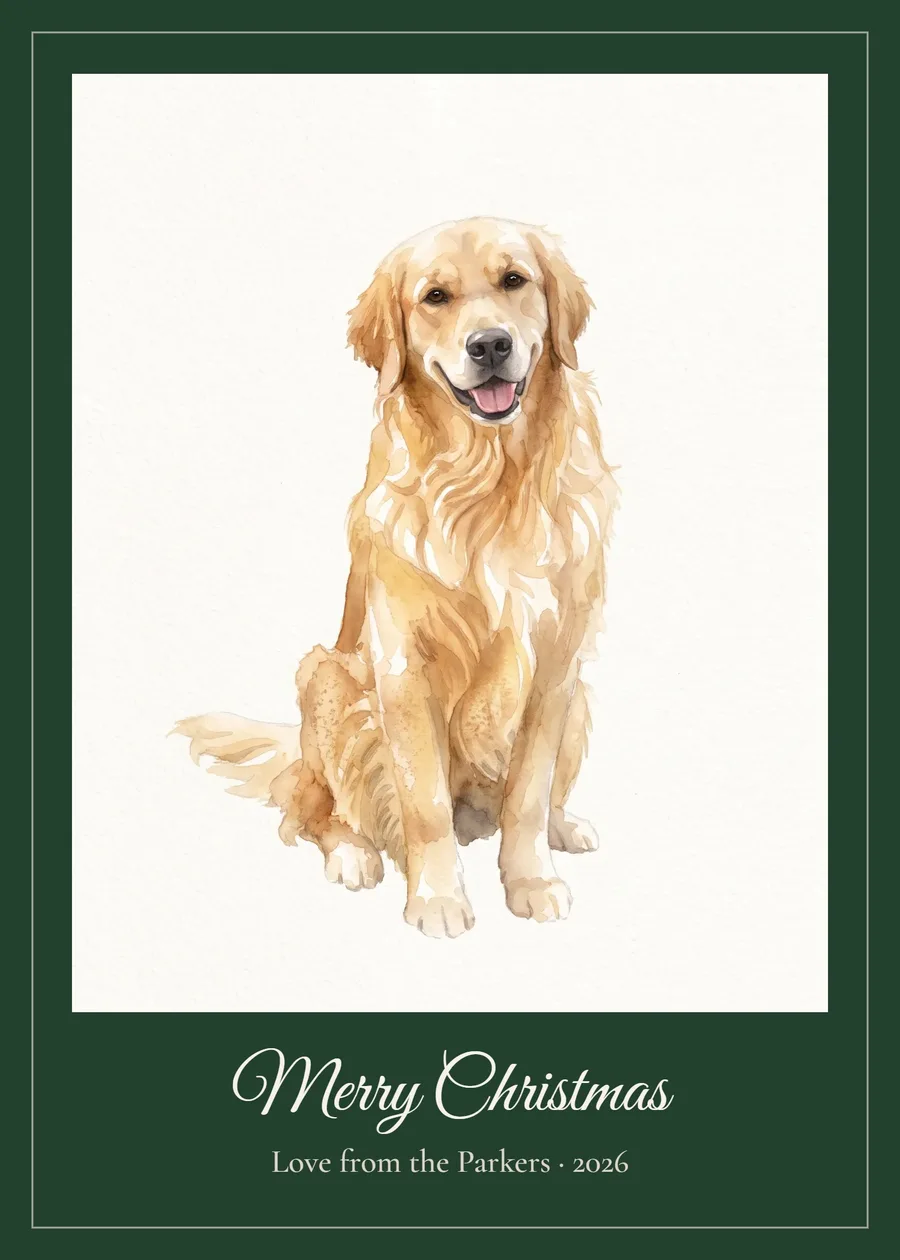
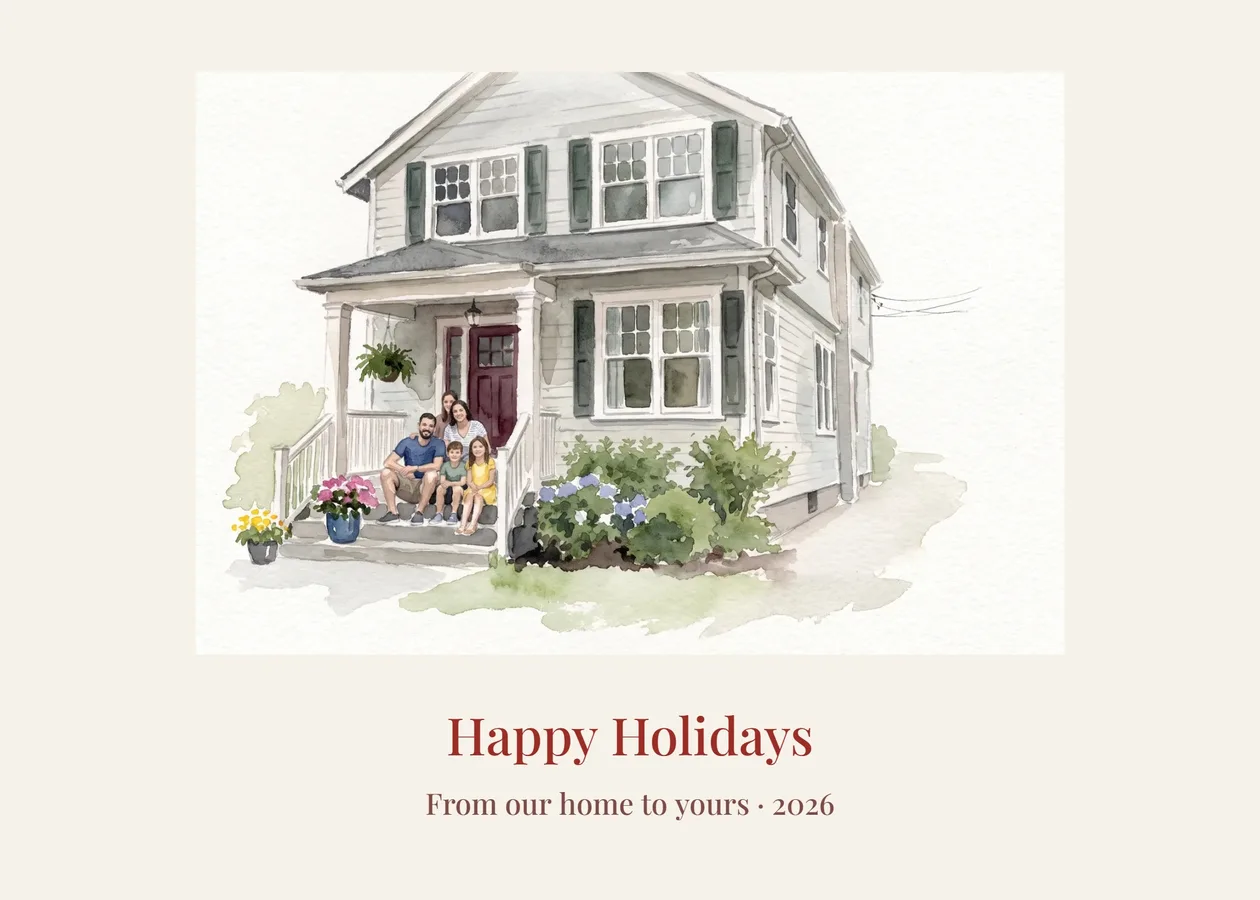
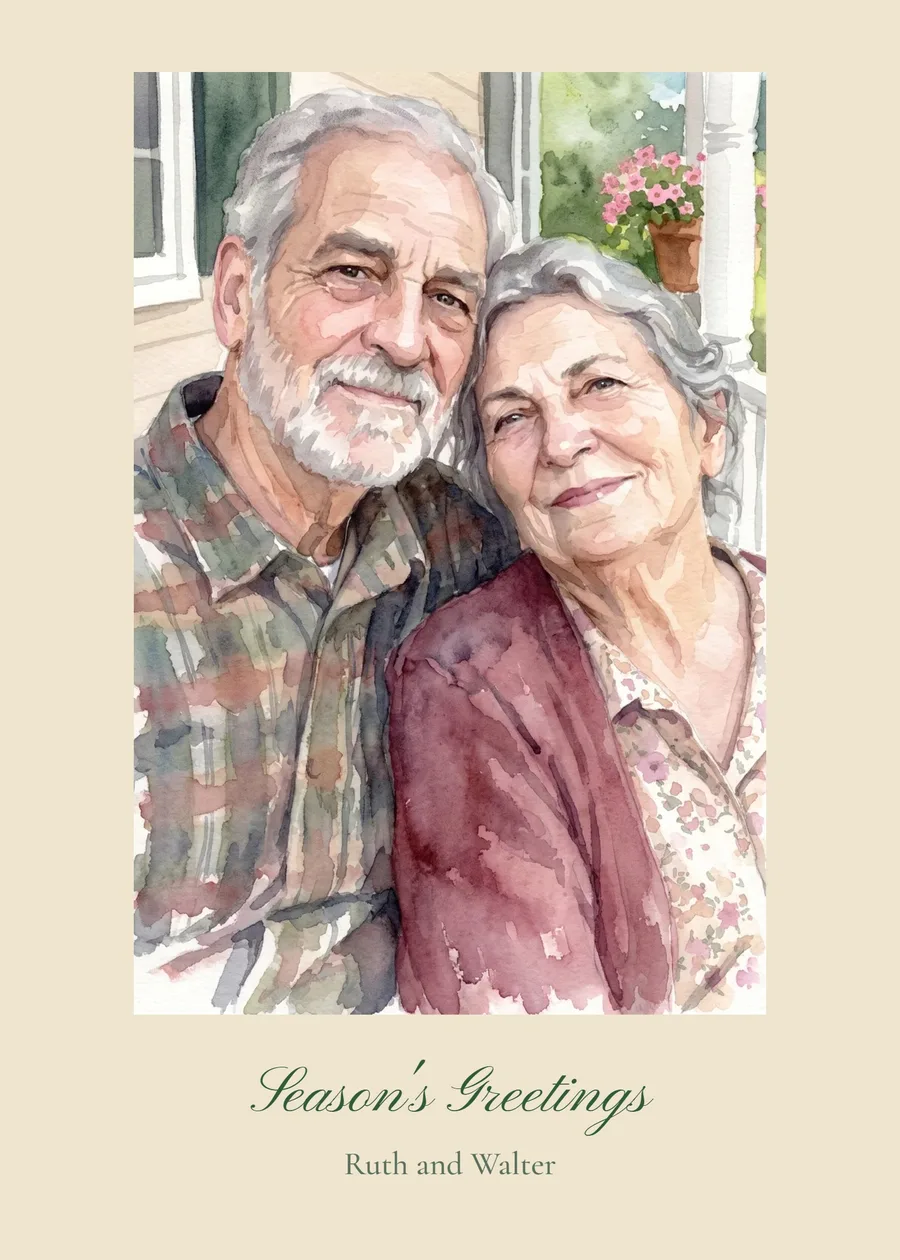
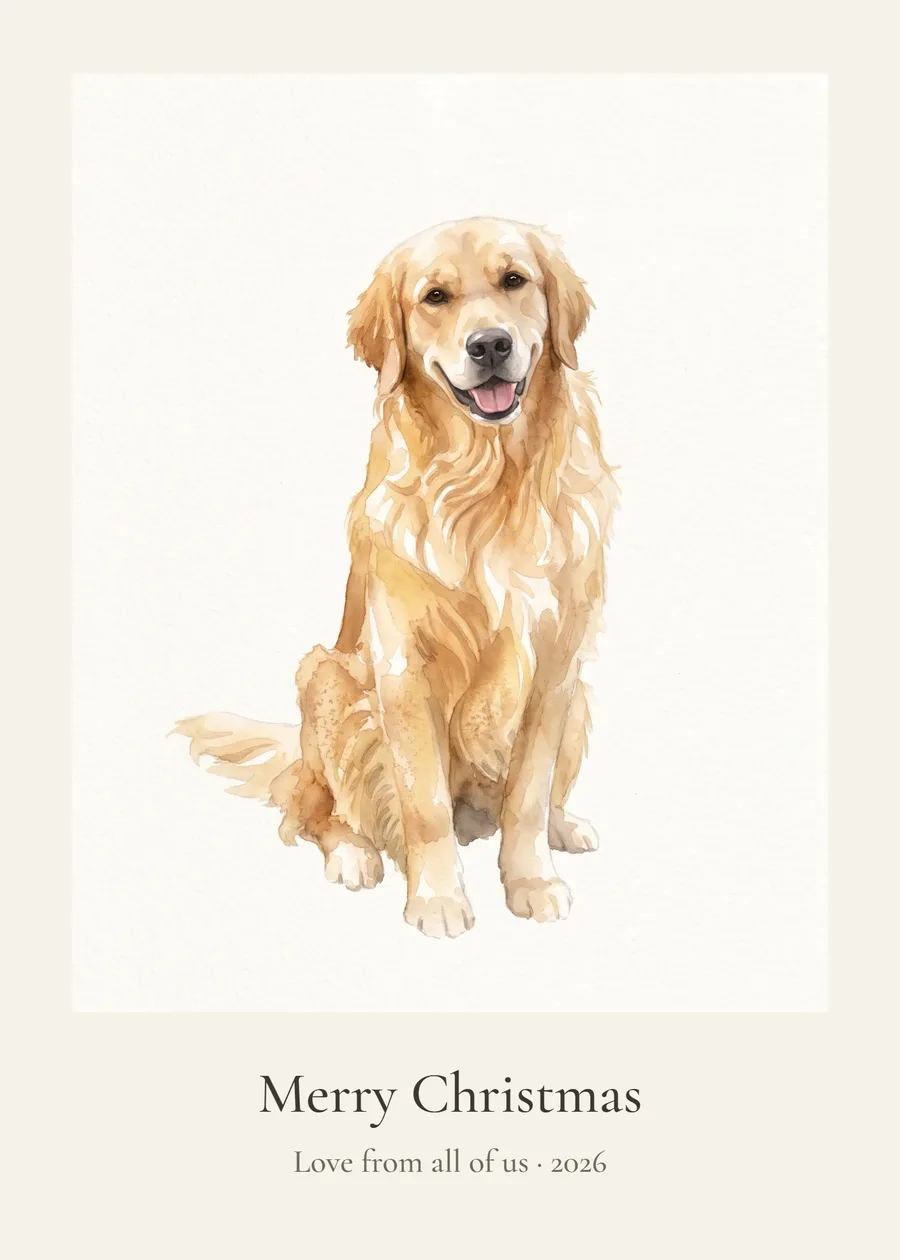
Watercolor Christmas card examples
You can try any of these sample paintings in the card maker and give it your own greeting.
How to make a watercolor Christmas card
- Paint your photo
Sign in with Google at Skiaform Watercolor and choose a style for your photo. Most paintings are ready in 30 to 60 seconds.
- Design your card
Click “Make a card” on your finished painting. Place your greeting above or below the painting and add a second line for your names or the year.
- Print your card
Download the two-card Letter sheet for home printing or send the 5 x 7 JPEG to a print shop.
Print at home or at a print shop
At home, print the US Letter sheet on heavy matte cardstock at actual size (100%). Cut along the crop marks to make two cards.
Send the 5 x 7 JPEG to a photo counter or print shop that prints at that size. Your finished cards fit A7 envelopes (5 1/4 x 7 1/4 in).
Give your photo Christmas card a watercolor look
A watercolor lets you put a familiar face or place on your card with softer detail. Try Soft for a pet portrait or family photo, and Painterly for a picture of your house.
Choose Plain paper so your card color frames the painting. For a house photo, use the cleanup options to leave out parked cars and power lines. See more examples on photo to watercolor and house portraits.
What it costs to paint your photo
A 2K watercolor costs 1 credit, and a 4K print file costs 2 credits. The Basic pack gives you 15 credits for $9, and your credits don’t expire.
FAQ
Is the card maker free?
Yes. You can design and download your card for free. Turning your photo into a watercolor starts at 1 credit.
Can I use a regular photo without painting it?
Yes. Choose your photo in the card maker and add your greeting directly to it.
What size and resolution is the card?
Your card is a flat, single-sided JPEG at 300 dpi. It’s 5 x 7 inches (1500 x 2100 pixels) in portrait or 7 x 5 inches (2100 x 1500 pixels) in landscape.
Can I print my cards at home?
Yes. Download the US Letter sheet with two cards and crop marks, then print it at 100% on heavy matte cardstock.
Do you print and mail cards?
No. Skiaform gives you a digital file to print at home or at a print shop.
What happens to my photo?
In the card maker, your image stays on your device. If you upload a photo to Skiaform Watercolor, the photo expires after 24 hours and the painting expires 7 days after creation.
Paint your photo for a card
Paint your own photo, then click Make a card on the finished painting.
Paint a photoKeep up with Skiaform
Get occasional emails about drawing tools and templates.